

Home / TABGEEKS LIVE / Episode recap
After the Ubiquiti World Conference: Doorbell Lite unboxing, Device Bridge and Galaxy XR on planes
Back from the Ubiquiti World Conference, I unboxed the Doorbell Lite, showed the Device Bridge, explained why the Galaxy XR struggles on planes and previewed a Starlink backup plan.

Jesse Nowlin
Host, TABGEEKS LIVE · · 2 min read
This stream came together on the fly after a week of travel: Las Vegas, then Miami for the Ubiquiti World Conference, then home, all in a few days. The stream setup and my test rack both misbehaved, but the chat was one of the busiest in a while.
I unboxed the UniFi Doorbell Lite, showed the Device Bridge Ubiquiti handed out at the conference, shared a rough Galaxy XR travel experience, showed Elgato's Wave Mic Arm Mark II and previewed a Starlink backup project.
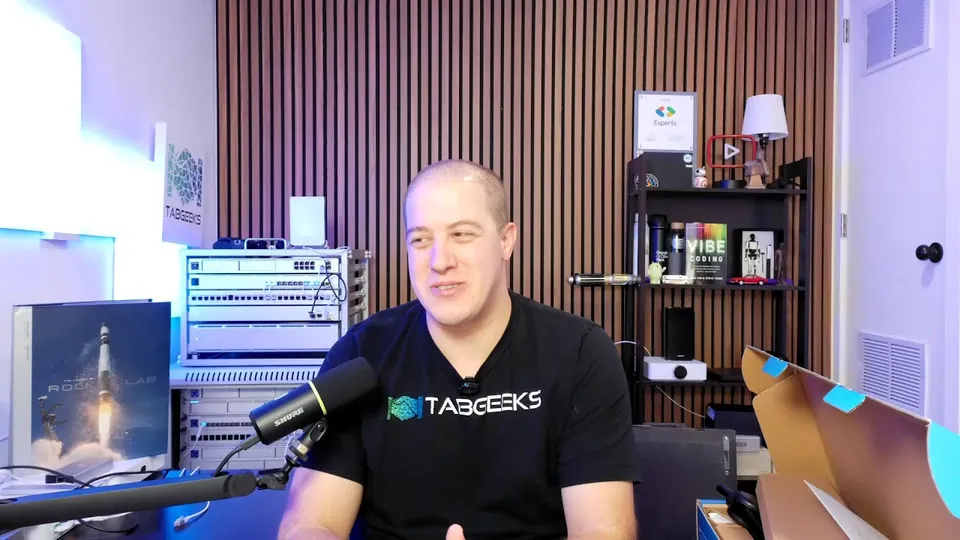
Prefer to watch? The full stream is right here. 36:09 · Watch on YouTube
Jump to a section in the video
Doorbell Lite unboxing
I resisted installing the Doorbell Lite before the show so I could unbox it live. Mine is white, with a big bold button that has a satisfying click, IR emitters in the black bar on top and a camera dome that protrudes less than product photos suggest. There is a downward firing speaker and a light on the bottom, and around back a grommet covered Ethernet port for PoE and a reset button.
It does not run on low voltage doorbell wiring or Wi-Fi. All the new G6 doorbells announced so far are Ethernet only. It also lacks the G4 Doorbell Pro's bottom facing package camera, so I want to test how far down it can see. For a single button doorbell it is big, but you cannot miss it. My Protect setup went offline mid stream, so the live view will have to wait for the full video.
Device Bridge and the conference
Ubiquiti gave out the UniFi Device Bridge at the conference, and I may use it to get signal to a spot like the doorbell location where I have no cable. On some future products I saw at the event, I cannot comment yet. The trip was also a rare chance to hang out in person with other creators who do this full time.
Galaxy XR on planes
I tested the Galaxy XR more on the road and found a compact case that barely fits it. On an airplane it is close to useless: there is no travel mode, so the screen drifts away as the plane moves and you keep re-centering it. My XREAL glasses have a follow mode that keeps the screen in front of you, and I understand the Vision Pro has a way to handle this too. I also could not use my laptop with it, since that feature is locked to Samsung laptops. I ordered a Vision Pro for a side by side comparison.
Elgato and Starlink
Elgato sent the Wave Mic Arm Mark II. It can tuck under a monitor and pop up and out, or go tall and come down, it moves smoothly and it hides the cables. It works with a desk clamp or through the desk.
I am also working on a Starlink small, medium and large video about which dish and plan to pick. The high performance enterprise dish is going on the roof as a backup line, specified for up to 1 Gbps once the network supports it. That beats our current 400 Mbps backup, though it is funny that one gig is starting to feel slow.
Bottom line: if you want the Doorbell Lite, plan on running Ethernet to the door.
Gear in this episode
- Doorbell LiteSpecs and compare for Doorbell LiteUbiquiti Store (opens in a new tab)
- UniFi Device BridgeSpecs and compare for UniFi Device BridgeUbiquiti Store (opens in a new tab)
- UniFi G4 Doorbell ProSpecs and compare for UniFi G4 Doorbell ProUbiquiti Store (opens in a new tab)
- Dream Machine Pro MaxSpecs and compare for Dream Machine Pro MaxUbiquiti Store (opens in a new tab)
- Samsung Galaxy XR
- XREAL glasses
- Apple Vision Pro
- Elgato Wave Mic Arm Mark II
- Starlink high performance enterprise dish
- Rocket Lab coffee table book
Ubiquiti Store links are affiliate links. If you buy through them, the channel may get a small commission at no extra cost to you. Affiliate disclosure
Related
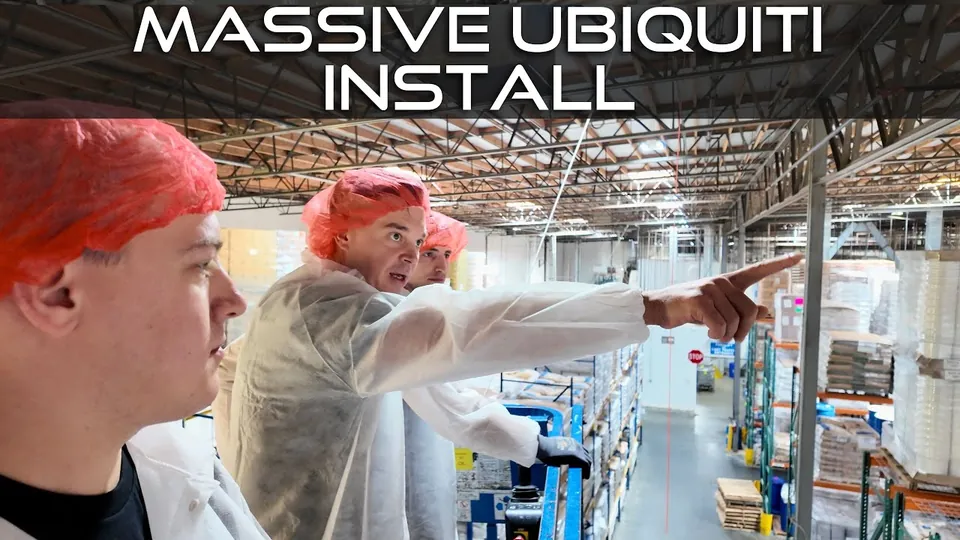
Bringing a 40 year old factory into the 21st century with 96 G6 cameras and an all-UniFi network
Oct 31, 2025 · 4 min read

Starlink Gen 3 High Performance: is the $2,000 dish worth it?
Jul 30, 2025 · 4 min read
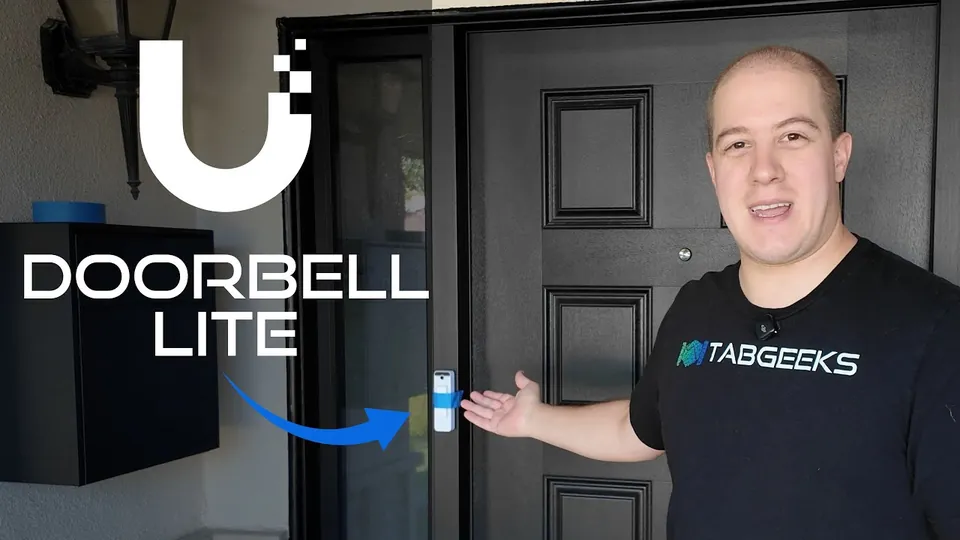
UniFi Doorbell Lite vs G4 Doorbell Pro: is the $99 doorbell good enough?
Nov 11, 2025 · 4 min read
Jesse Nowlin
Founder of TABGEEKS, former IT Director and Google Developer Expert. TABGEEKS LIVE recaps the week in tech every Friday.
About the show