

Home / Stories / UniFi + Networking
Starlink Gen 3 High Performance: is the $2,000 dish worth it?
I took Starlink's biggest, toughest dish into the mountains with zero cell service to see if it lives up to the price. Big warning first: it doesn't come with a router.

Jesse Nowlin
Founder, TABGEEKS · · 4 min read
Before anything else, the warning I wish I'd had: Starlink's new Gen 3 High Performance dish does not come with its own router. Unlike the Starlink Mini and the standard kits, you need your own router, or Starlink's separate one, to get Wi-Fi. I found that out in the middle of nowhere.
I took it up to the mountains at about 5,000 ft elevation, where there's zero cell signal, the same property where I filmed my Starlink Mini review that did over a million views. I unboxed it, ran it off a battery, worked around the missing router, aligned it, ran speed tests and then drove it around in the bed of a John Deere Gator under tree cover.
The verdict: it's the most rugged dish I've tested, and it held strong speeds even while moving. It's also $2,000 for the dish alone, and it needs a business plan and a router.

Prefer to watch? The full video is right here. 29:07 · Watch on YouTube
Jump to a section in the video
What's in the box
The packaging is foam, not cardboard, and the dish is a whole next level. It's quite large next to the Mini, though not as heavy as the box suggests. The label reads 57 V, 1.7 A input and an IP69K rating.
The new power unit has honeycomb vents, a removable mounting plate for a wall, a network to dish port, a DC power input and a standard outlet input. It's supposedly rack mountable, but I haven't figured out how yet. There's a new proprietary connector from the power unit to the dish, with a twist-on, twist-off design you line up with a red mark, plus Starlink's heavy-duty waterproof Ethernet cable with its pull-out clip for plugging into your network.
Gen 3 naming, explained
The names are confusing. The previous Flat High Performance dish, which powers the rest of this property on a business plan and has survived hot summers and blizzards that dropped several feet of snow in one night, is now called High Performance Gen 2. This new one is the High Performance Gen 3.
The missing router, and my workaround
In the app, setup asked me to configure a third-party router or skip. That's the problem. Normally I'd plug it into Ubiquiti gear, which I've done with the Mini, the standard and the older high performance dishes. Out here, I had none.
So I plugged the Starlink Ethernet cable into my MacBook Pro with an adapter and set a static IP. It worked, and my phone got online. If you buy this dish, plan for a router, whether it's Starlink's, one you already have, or something like the Ubiquiti gear I review.
“This is designed to be plug and play. This is like a fiber internet connection. You plug it into your infrastructure and you get back to work.”
Power draw on battery
There's no power up here, so I ran it from an Anker Solix battery pack that shows wattage in real time. It climbed through the 40s and 50s while connecting. The average draw settled around 70 W, with spikes to 88 W during installs and reboots. With the snow melt heater running, I'd expect higher.
Specs and ratings
Starlink High Performance Gen 3, as stated
| Spec | As stated |
|---|---|
| Peak throughput | 475 Mbps down, 75 Mbps up |
| Average power | 70 W, spiking to 88 W |
| Environmental rating | IP69K with cables installed, IP68 without |
| Power supply | IP68 |
| Operating temperature | -40 C to 60 C (-40 F to 140 F) |
| Snow melt | Up to 85 mm (3.5 in) per hour |
| Price | $2,000 for the dish |
As stated in the video, July 2025. A business plan is required for its features.
This is the dish SpaceX uses on its rocket landing barges, built to take rocket exhaust, and I imagine it's what they'll use in Antarctica too.
Speed tests
On first boot, before any alignment or updates, I got about 195 Mbps down, 15 Mbps up and 22 ms ping. Up here, 200 to 400 Mbps is typical. It pulled down 4K video at 2x speed without breaking a sweat.
Then I realigned it. The app accounts for both direction and tilt, and mine was off. After alignment, the next test started around 200 down with a 15 ms ping, and the stats showed 26 ms latency while it was still acclimating. Starlink says performance stabilizes after about 15 minutes.
Moving under the trees
For fun, I put the dish in the bed of the Gator, powered by the battery, and drove around under the trees at up to about 30 mph. It ranged from 60 Mbps while driving to 381 Mbps partially obstructed, the best of the day. Under heavy tree cover it errored out. Pulled forward to a partially open sky, it bounced back to about 250 to 263 Mbps down and 22 to 23 Mbps up. That's incredible for a battery-powered dish in the middle of nowhere.
Bottom line
I can't test it on a ship at sea, on an oil rig or catching a rocket, but if any dish could handle those, it's this one. It's rugged and solid, built by a company that works in some of the harshest environments in the world. At $2,000 for the dish, plus a business plan and a router, it's for businesses and serious off-grid setups, not casual users. If that's you, it's excellent.
Gear in this story
- Dream Machine Pro MaxSpecs and compare for Dream Machine Pro MaxUbiquiti Store (opens in a new tab)
- Starlink High Performancestarlink.com (opens in a new tab)
- Anker Solix battery packAmazon (opens in a new tab)
- Field tableAmazon (opens in a new tab)
Some of these store links are affiliate links. If you buy through them, the channel may get a small commission at no extra cost to you. Affiliate disclosure
Related stories
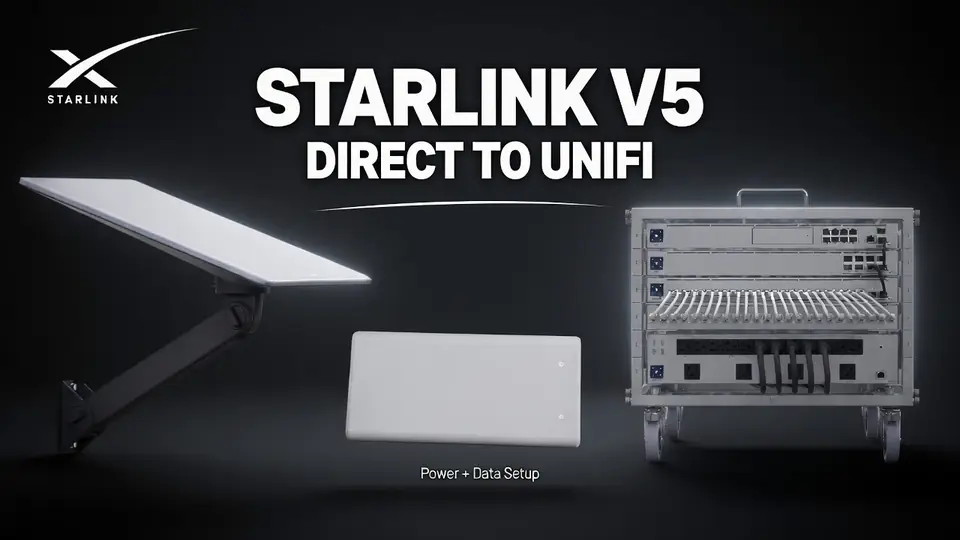
How to connect Starlink V5 directly to a UniFi network, no router needed
Aug 3, 2026 · 4 min read
UniFi Dream Machine Beast: the N2 processor makes it next generation
Apr 30, 2026 · 4 min read
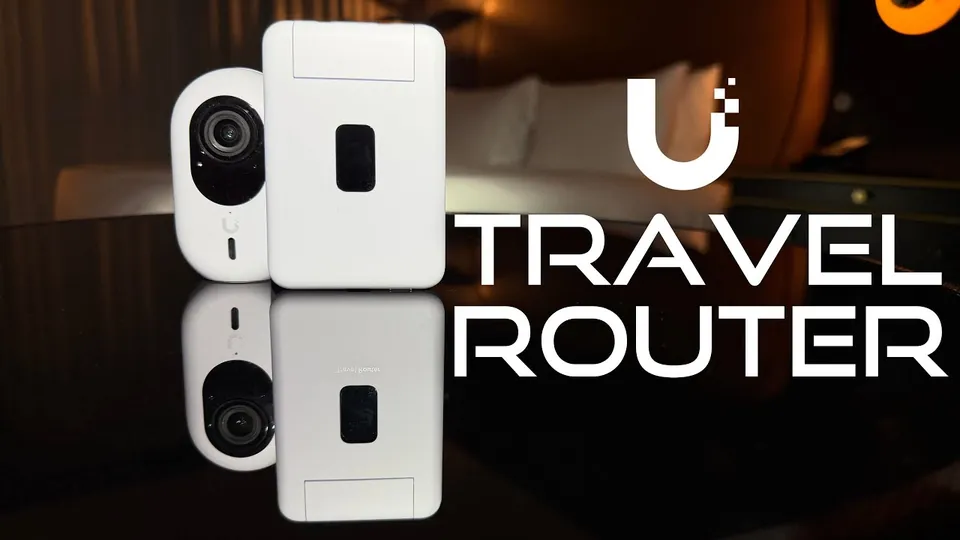
The $79 UniFi Travel Router is here, and it brings your cameras with you
Dec 23, 2025 · 4 min read
Jesse Nowlin
Founder of TABGEEKS, former IT Director and Google Developer Expert. I test networking and pro tech on real job sites, then write up what I find.
Join the community