

Home / Stories / UniFi + Networking
The $79 UniFi Travel Router is here, and it brings your cameras with you
Ubiquiti finally made a pocket-sized travel router. I set it up on battery power, got it through a captive portal, bonded it to my home network and recorded a G6 Instant back to my NVR.

Jesse Nowlin
Founder, TABGEEKS · · 4 min read
This is the device I have been hoping Ubiquiti would make for a very long time: a proper UniFi travel router. I travel a lot for conferences and events, and I already bring gear so I can share one connection across all my devices and keep an eye on my room. Now I can leave the bigger stuff at home.
The UniFi Travel Router is tiny, sips power, gets through hotel captive portals using your phone, bonds to your home UniFi network to broadcast your own Wi-Fi anywhere, and, the feature I was hoping for most, lets a G6 Instant camera record back to the NVR at home. At $79, I think it's a steal.
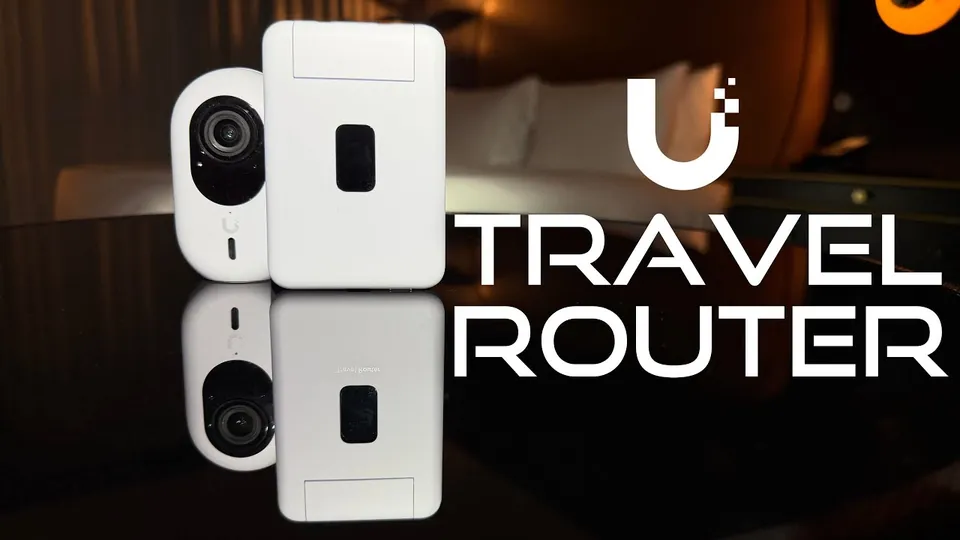
Prefer to watch? The full video is right here. 14:34 · Watch on YouTube
Jump to a section in the video
Tiny hardware, smart ports
Next to the UDR 7 I was showing off before, the difference is huge, and that matters in a suitcase. In the box is a nice braided USB-C to USB-C cable.
The front has a small screen. A little door on top hides lay-flat Ethernet ports, one for connecting to the network and one for connecting directly to your computer. There is a lanyard slot on the side if you want it on a keychain, two USB-C ports on the bottom, one for power and one for tethering to your computer, and a reset button on the back.
Power draw: it runs on a battery
I powered it entirely from a portable battery. It is rated at a maximum of 5 W. On boot it drew 1 W, then 2 W once running, with an occasional 3 W. I never saw it hit 5. That opens up uses like a campsite or a construction site where you want network connectivity and a camera for a day off a small battery.
Yes, it's Wi-Fi 5
It is Wi-Fi 5. Don't come at me. It was Ubiquiti's decision, and it makes sense. Wi-Fi 7 is expensive, hot and heavy, and you won't get that into something this small and affordable. Looking at the rest of the lineup, I'm hoping for a pro version later. Ubiquiti didn't tell me there would be one. As an entry unit, it is a heck of an engineering feat.
How captive portals work
The router pairs with your phone, and when you hit a hotel or public Wi-Fi login page, the permission screen pops up on your phone so you can authorize it. But the device that is actually authenticated on the network is the travel router. It counts as one device, and everything you own connects to the router's Wi-Fi.
Setting it up
To test this properly, I simulated a hotel. My studio production network played the hotel Wi-Fi, complete with a captive portal and password I set up. My test rack network, "test Wi-Fi," played my home network, running on a Dream Machine Pro Max. I had already paired a G6 Instant to Protect on that test network, then paused the test Wi-Fi so the camera dropped offline.
Open the UniFi app, and the router shows up ready for setup, talking to your phone over Bluetooth. First, select the Wi-Fi uplink. I picked the "hotel" network, joined it from my phone, and the captive portal popped up. Password in, success, and the router was online.
Next, bind to site. That bonds the travel router to your home console. I chose the Dream Machine Pro Max and picked which Wi-Fi network to bring over. The router pulled down that network's configuration and started broadcasting test Wi-Fi. Every device that normally connects to it, including the camera, just joins automatically.
In the app's settings you can change the bound site later, view Wi-Fi and network settings like the netmask and IP range, grab device credentials for SSH, check firmware, and restart or factory reset. On my early firmware I couldn't see the Wi-Fi password.
Speed and the camera test
In WiFiman, over a Wi-Fi 5 connection to a router that was itself on Wi-Fi to an AP across the room, the first test showed about 80 Mbps. A second test, after it settled in, hit about 100 Mbps up. These things often take a little while to fully settle after you first connect them.
Then the part I was most excited about. The G6 Instant connected to the travel router over Wi-Fi, and the stream went out over the internet and back in through the Dream Machine Pro Max at home, recording on its drives. I watched it live on my Mac Mini, with detections from when I was jumping between networks. The G4 Instant is supported too.
“This works. It's recording. This is super cool. I love it.”
Bottom line
For $79, this is going in my bag for every trip, and I plan to get them for my team. It turns any hotel or Airbnb connection into my own UniFi network, handles captive portals cleanly, runs off a small battery, and lets my Instant cameras record home. Wi-Fi 5 is the trade-off for the size and price. If Ubiquiti ever makes a bigger pro version with 5G and Wi-Fi 7, sign me up.
Gear in this story
- UniFi Travel Router (original)Specs and compare for UniFi Travel Router (original)Ubiquiti Store (opens in a new tab)
- Dream Machine Pro MaxSpecs and compare for Dream Machine Pro MaxUbiquiti Store (opens in a new tab)
- Camera G6 InstantSpecs and compare for Camera G6 InstantUbiquiti Store (opens in a new tab)
- Camera G4 InstantSpecs and compare for Camera G4 InstantUbiquiti Store (opens in a new tab)
- Dream Router 7Specs and compare for Dream Router 7Ubiquiti Store (opens in a new tab)
Ubiquiti Store links are affiliate links. If you buy through them, the channel may get a small commission at no extra cost to you. Affiliate disclosure
Related stories
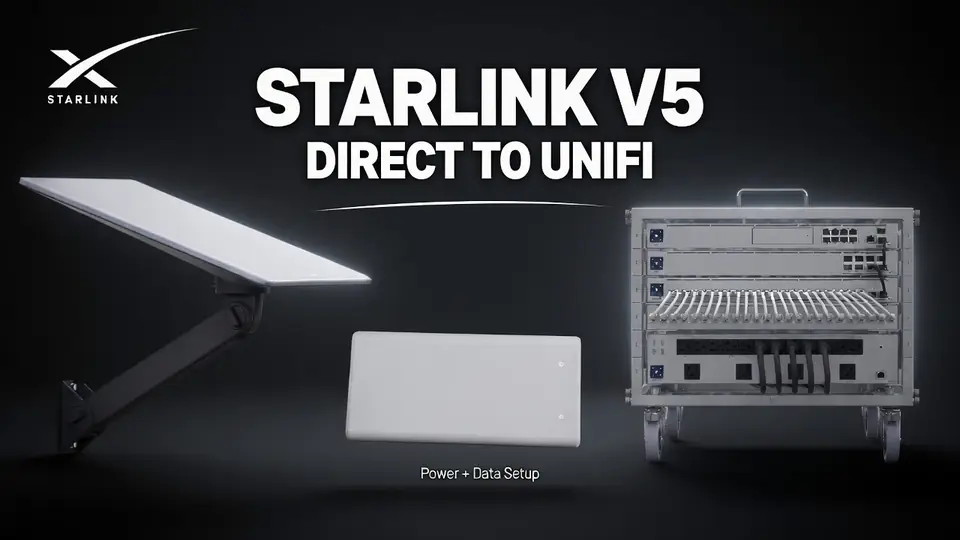
How to connect Starlink V5 directly to a UniFi network, no router needed
Aug 3, 2026 · 4 min read
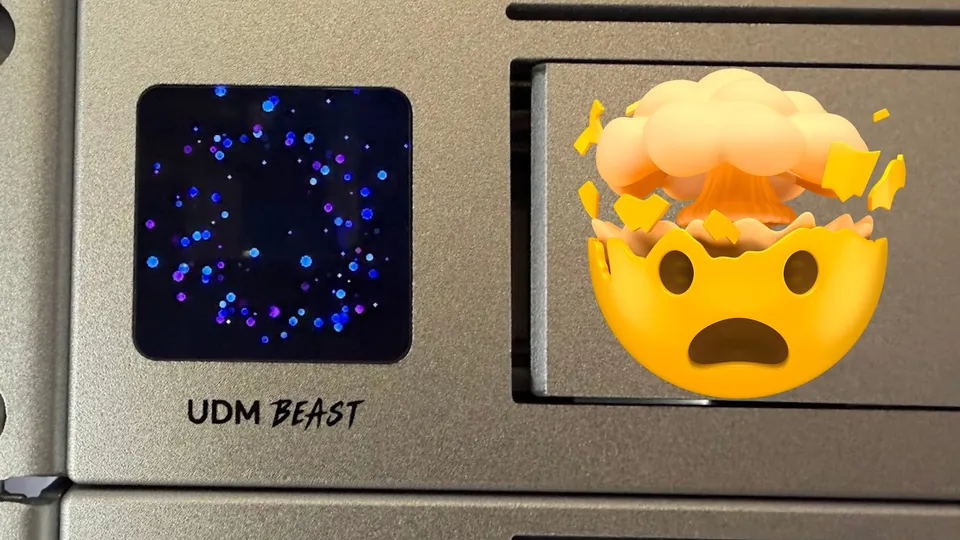
UniFi Dream Machine Beast: the N2 processor makes it next generation
Apr 30, 2026 · 4 min read
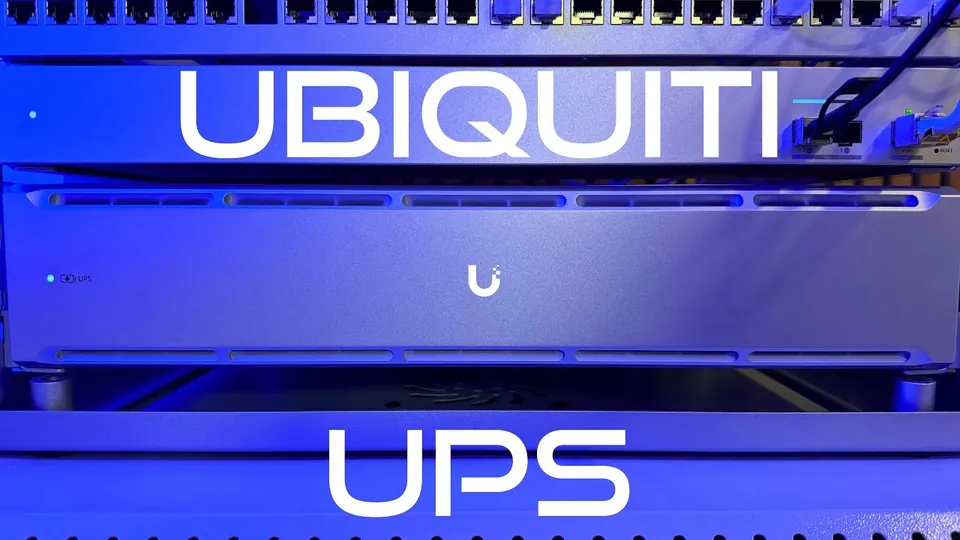
UniFi UPS 2U review: a rackmount battery backup that lives in your UniFi console
Oct 30, 2025 · 4 min read
Jesse Nowlin
Founder of TABGEEKS, former IT Director and Google Developer Expert. I test networking and pro tech on real job sites, then write up what I find.
Join the community