

Home / Stories / UniFi + Networking
UniFi G6 Edge review: cloud-style cameras with no license fees
I used to install a lot of Meraki and Verkada cameras, and the license fees added up fast. Ubiquiti's G6 Edge cameras take the same no-NVR approach, run Protect on the camera itself and charge no licensing fees.

Jesse Nowlin
Founder, TABGEEKS · · 4 min read
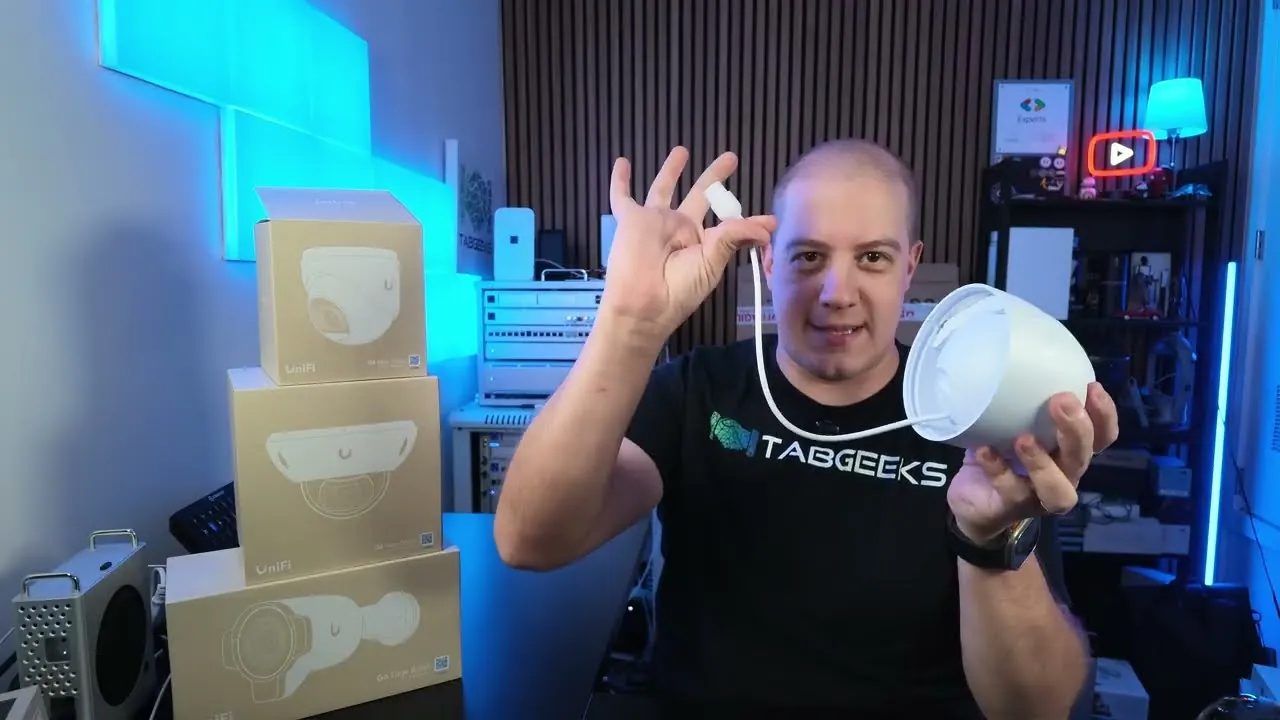
This is a Cisco Meraki camera, and this is a Verkada bullet camera. I used to install a ton of them, and I still have 200 to 300 or so deployed at various clients. They're really good cameras. They're also incredibly expensive, and the licensing never stops.
Ubiquiti's new G6 Edge lineup, a turret, a dome and a bullet, takes the same approach those cameras made popular: plug it into an internet connection, no NVR on site, and manage it from the cloud. The difference? Say it with me: no licensing fees. I unboxed all three, compared specs and set one up as a standalone camera.
The bottom line: this finally fills a hole in Ubiquiti's lineup that people have asked about for years, and it does it without the license bill.
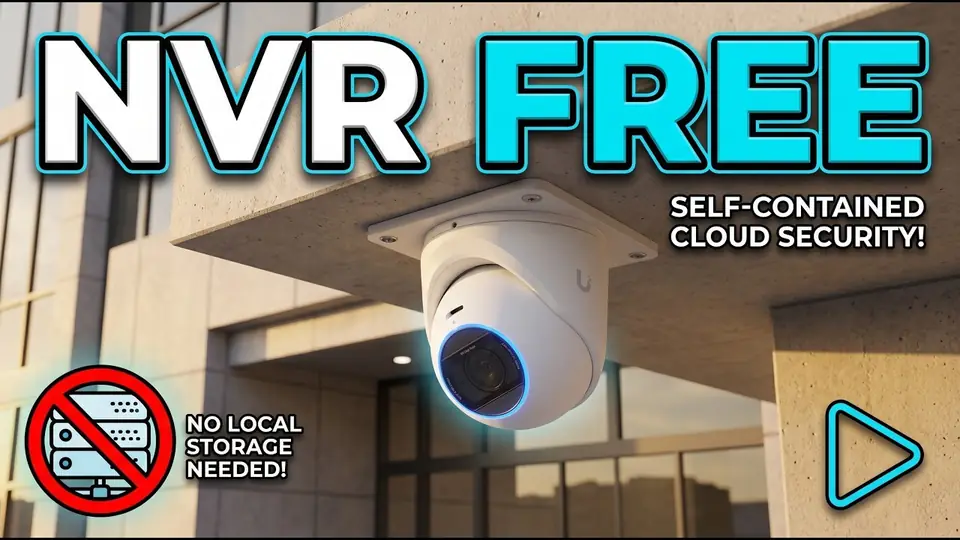
Prefer to watch? The full video is right here. 15:43 · Watch on YouTube
Jump to a section in the video
What the old cloud cameras cost
Back in 2016, the Meraki camera cost $800 and needed about a $300 license per camera. I'm sure that's gone up. The Verkada camera was even more: $1,200 for the camera and another $1,000 for a 10-year license, per camera. On a project with 50 cameras, that's 50 grand just in licensing. To be fair, that came with things like an extended 10-year warranty and overnight shipping.
The appeal was the architecture. Each camera had its own onboard storage and recorded to itself, and the NVR was in the cloud. All you needed was an Ethernet connection. Traditional Ubiquiti cameras need an NVR on site, whether that's a UDM, a UNVR or a smaller controller, with hard drives recording the footage.
How the G6 Edge works
The G6 Edge cameras run Protect individually on the camera. You plug it into an internet connection and adopt it to your Ubiquiti account instead of an NVR. It records to an included 128 GB microSD card, a SanDisk video card, and you access it remotely.
That answers the question I've heard for years: if all I have is an internet connection, say on a construction site or out in the wilderness, what can I do with Ubiquiti? People used workarounds, or they just bought one of these cloud cameras.
The clever part: if you later build out a network with an NVR on site, you can adopt the Edge cameras to that NVR. You wouldn't necessarily buy Edge cameras for an NVR site, since the regular G6 cameras have similar specs without the extra processing, but you're not stuck if your setup changes.
“I have saved so much money not paying those freaking licensing fees for those other company cameras.”
Specs
G6 Edge specs, as stated
| Spec | G6 Edge |
|---|---|
| Sensor | 8 MP, 30 fps, 1/1.2 in (same as G6 Pro and G6 Dome) |
| Resolution | 4K |
| IR night vision | 40 m (131 ft) |
| Optical zoom | About 2.3x on the turret, 2.36x on the dome |
| Ratings | IP66 weatherproofing, IK10 tamper resistance |
| Network | Gigabit Ethernet |
| Processor | Dual-core ARM Cortex-A76 based chip |
| Storage | 128 GB microSD included |
| Max power | Turret 25 W, Dome 15 W |
The G6 Dome drops to 98 ft of IR night vision. Standard G6 cameras use a quad-core ARM Cortex-A53 based chip.
The processor is the big difference, and it's what lets these run Protect on the camera.
Unboxing the turret, dome and bullet
The turret is my favorite form factor, minus the tail. It has the classic pigtail, a built-in light and a really beefy mounting dock with clip-in pins, a wire guide and a security lip. In the box are ceiling mounting gear, a template and a hardware kit with the Ubiquiti screwdriver, screws and a waterproofing grommet. The microSD card lives behind a door whose screws mercifully stay attached, and the reset button is there too.
The Edge Dome looks like a regular G6 Dome but is a bit smaller, with an all-white metal back. A fairer comparison is the G6 Pro Dome. The dome cover is also mercifully attached, with the SD card and reset button on the side.
The bullet wasn't shipping yet, but I had one. It has what looks like a radar array plus IR emitters, a new mounting ring, and an SD card door that uses the included Allen wrench instead of the tiny screwdriver. Its reset button is on the back. The whole thing feels really solid, almost like a spaceship.
Dome or turret?
The dome is more vandal resistant, so if you think someone on your construction site might come by with a baseball bat, get the dome. Pick the turret if you're worried about glare or want more freedom when positioning it. The turret also has two-way audio for talk down, though it uses more power: up to 25 W versus 15 W for the dome.
Standalone setup
I plugged the turret into a network that does have an NVR, but adopted it independently. Protect found the Camera G6 Edge Turret and offered two options, adopt or add as standalone. Standalone opened the UniFi Network app, I chose a standalone setup, and it set up UniFi OS on the camera. Zero-touch deployment is also possible.
Once it was running, Protect 7.2 showed some newer features: evidence trust, a redesigned case management experience (I get asked for footage by police all the time at several locations), third-party camera support, PPE detection and an improved integration API. Beyond the novelty of Protect running on the camera itself, it's just Protect, with everything you'd expect.
Bottom line
If you've been paying Meraki or Verkada license fees, or you need cameras on a site with nothing but an internet connection, the G6 Edge lineup is the option I've wanted for years. Storage is built in, Protect runs on the camera, you can move them to an NVR later, and there are no licensing fees.
Gear in this story
- Camera G6 Edge TurretSpecs and compare for Camera G6 Edge TurretUbiquiti Store (opens in a new tab)
- Camera G6 Edge DomeSpecs and compare for Camera G6 Edge DomeUbiquiti Store (opens in a new tab)
- Camera G6 DomeSpecs and compare for Camera G6 DomeUbiquiti Store (opens in a new tab)
- UniFi G6 Pro DomeSpecs and compare for UniFi G6 Pro DomeUbiquiti Store (opens in a new tab)
- Network Video Recorder G2Specs and compare for Network Video Recorder G2Ubiquiti Store (opens in a new tab)
Ubiquiti Store links are affiliate links. If you buy through them, the channel may get a small commission at no extra cost to you. Affiliate disclosure
Related stories
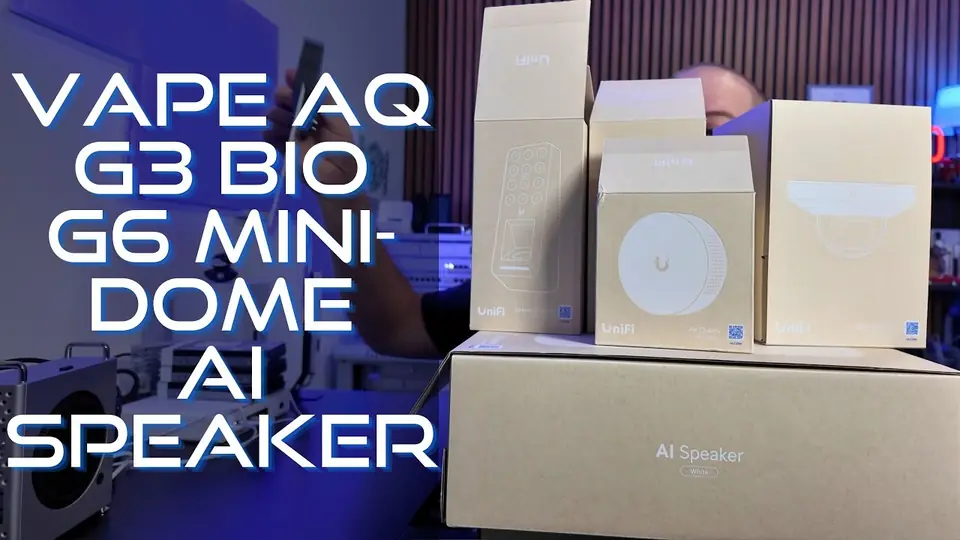
UniFi G6 Mini Dome and G3 Fingerprint Reader: hands-on and installed
Jun 8, 2026 · 4 min read

UniFi AI Port: adding face and plate recognition to older cameras
Dec 12, 2024 · 4 min read

UniFi Device Bridge IoT review: a $49 fix for wired-only devices
Nov 20, 2025 · 3 min read
Jesse Nowlin
Founder of TABGEEKS, former IT Director and Google Developer Expert. I test networking and pro tech on real job sites, then write up what I find.
Join the community