

Home / Stories / UniFi + Networking
I took the UniFi Travel Router Long-Range on a cruise: full review
Ubiquiti's updated travel router looks like a Star Trek communicator, and I got to take it on a cruise. Here's what "long range" actually means, how it held up on the ship and how far it reached outdoors.

Jesse Nowlin
Founder, TABGEEKS · · 5 min read
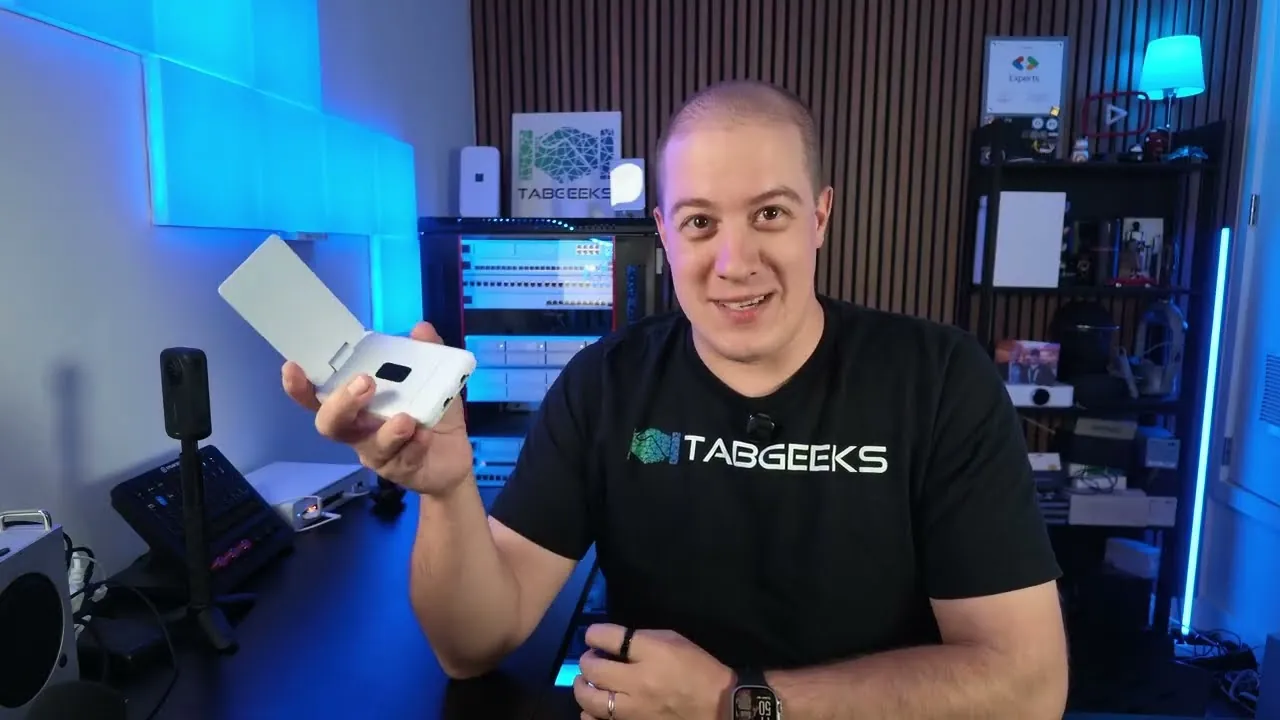
When I pulled it out of the box, my first thought was that it looks like a Star Trek communicator. This is Ubiquiti's updated UniFi Travel Router Long-Range, and the timing was impeccable: I took it on a cruise and used it the whole trip. Then I came home and walked it down the street to see how far it really reaches.
Before anything else, there's one clarifier a lot of people are getting wrong. It is not long range in the sense that your phone can wander far from the travel router. It's long range in that the travel router can sit far from the Wi-Fi it's connecting to. Ubiquiti's own promo shows it on a beach, pointed at a hotel in the distance, beaming internet back through the antenna on top.
Prefer to watch? The full video is right here. 28:43 · Watch on YouTube
Jump to a section in the video
What long range actually means
Your devices still connect to the travel router over normal Wi-Fi, so keep it with you. The flip-up antenna on the front is what talks to the distant host network. It works a lot like the directional setup in my U7 Mesh distance test, though I expected less range here since it's a smaller, lower-powered device.
A quick recap of the original
Ubiquiti released the original travel router around December and January, and my video taking it on an international flight went viral. At 40,000 ft over the Rockies, I paid for airplane Wi-Fi once, connected the router and shared that connection with all my devices.
The trick is similar to Android hotspotting (yes, Android has done this for a long time). It joins a Wi-Fi network and rebroadcasts it under your own network name. Bind it to your home network and it broadcasts with the same settings as home, so everything you own just connects.
VPN, Ethernet and USB-C passthrough
You can plug in a wired network over Ethernet and share it to a laptop, and turn on WireGuard or Teleport VPN to reach things like your NAS back home. The two USB-C ports on top handle power with passthrough charging, and yes, you can use them for both LAN and WAN.
Wi-Fi is still Wi-Fi 5, which Ubiquiti's site rates up to 866.7 Mbps. That's fine, because the hotel or plane network you're joining usually isn't going to give you anything close. If it's throttled to 10 Mbps, Wi-Fi 7 won't help. There's no battery, so you'll power it from your phone, a laptop or a battery pack.
Using it on a cruise ship
In my cabin, I joined the ship's Wi-Fi, authenticated, and then my iPad, laptop and other devices connected with no problem. This ship had Starlink, with roughly 10 antennas bonded together, which is way better than cruise internet used to be. I didn't try VPN work because the connection was slow enough already.
I did try carrying it around the ship on a battery. That didn't go well, and it wasn't Ubiquiti's fault. The cruise line's portal kept refreshing as I walked, so I had to keep reauthenticating. When I stayed in one place, whether in the cafe up top or my cabin, it stayed connected.
And yes, I know: you're on a cruise, get off the internet. But you still want creature comforts, like Netflix, Prime Video, email and YouTube. Use it to do the things that help you relax.
Another real-world example: Tyler Hendris, who runs @tyhend88 on YouTube, took one to a staff retreat, accepted the guest Wi-Fi splash page and broadcast the work network. He got 70 devices automatically joining a single UTR.
What's in the box and what's new
Inside is the router and a high-quality 1 ft braided USB-C to USB-C cable. Setup is the same as the original. New this time, you can change the screen color. There's no antenna configuration. You just point it toward the network you want to reach.
It doesn't get as hot as the original. It's still warm, so open the cover and give it room to breathe, but I carried it in my pocket for a while and it was fine.
Community questions
Can you disable the Wi-Fi? Yes, in settings in the UniFi app. Does it have a battery? No, and I wish it did. Make it a little thicker with a 5,000 or 10,000 mAh battery and it would run for a couple of hours on its own. Can you leave it in the cabin and cover the whole ship? No. Physics is physics. Ship cabins are basically Faraday cages. I did get a connection through the thick glass balcony door, and maybe one cabin over.
You still need to buy at least one ship Wi-Fi package, since this has no cellular or satellite of its own. One clever idea from a viewer: keep the original in your hotel room so everything connects automatically, and take the Long-Range to the beach pointed back at the hotel. If a captive portal won't pop up, visiting a page like logout.com can force it to reauthenticate.
500 ft range test
Back home, I pointed it at the U7 Mesh on the flagpole and started walking. At about 250 ft, I was getting around 10 Mbps down. At 400 ft, it still looked good, and at one point I pulled 30 Mbps upload just by moving back 3 ft. Trees and a brick wall around 420 ft were the limit in that direction.
Line of sight across the street at 500 ft, I was still getting around 10 Mbps down and up, though cars driving between us made the signal drop off more. That's the limit, but I'm quite impressed. A phone on its own would have dropped off a long time ago.
Bottom line
The built-in antenna is a real advantage for roughly $20 to $30 more than the original. If you want to sit on the beach or by the pool and use the hotel Wi-Fi, this is the one to take. Just remember it has to come with you, and update your firmware, since early quirks have gotten better over time.
Gear in this story
- UniFi Travel Router Long-RangeSpecs and compare for UniFi Travel Router Long-RangeUbiquiti Store (opens in a new tab)
- UniFi Travel Router (original)Specs and compare for UniFi Travel Router (original)Ubiquiti Store (opens in a new tab)
- Access Point U7 MeshSpecs and compare for Access Point U7 MeshUbiquiti Store (opens in a new tab)
Ubiquiti Store links are affiliate links. If you buy through them, the channel may get a small commission at no extra cost to you. Affiliate disclosure
Related stories
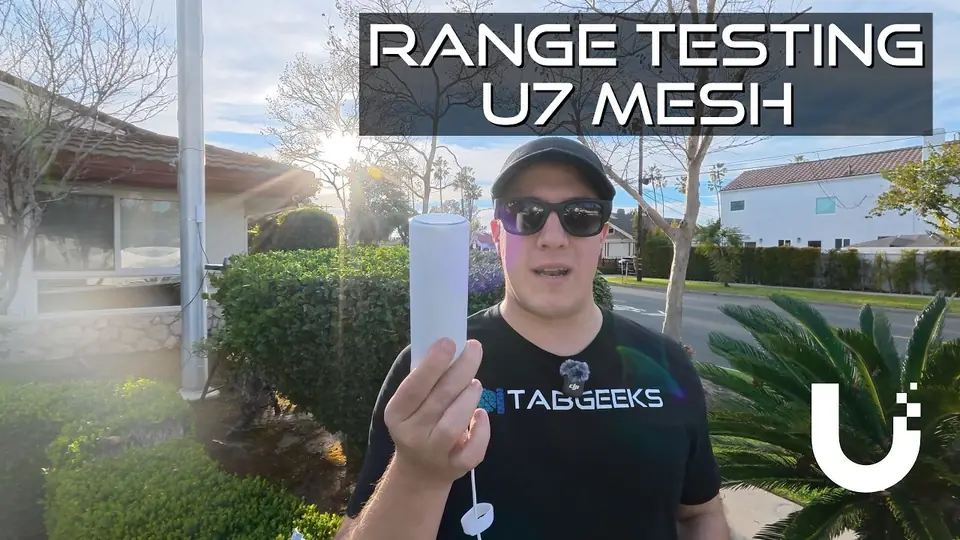
UniFi U7 Mesh tested: how far can a Wi-Fi 7 mesh link go?
Mar 2, 2026 · 4 min read

Ubiquiti in Q1 2026: a roundtable with DPC Technology and InsideWire
Feb 5, 2026 · 6 min read

UniFi AI Port: adding face and plate recognition to older cameras
Dec 12, 2024 · 4 min read
Jesse Nowlin
Founder of TABGEEKS, former IT Director and Google Developer Expert. I test networking and pro tech on real job sites, then write up what I find.
Join the community