

Home / TABGEEKS LIVE / Episode recap
Tech for Work: Chrome events, Gemini preview and UniFi camera adoption notes
Chrome hardware, Workspace AI preview and a practical UniFi Protect aside about what works when you adopt non-UniFi cameras.

Jesse Nowlin
Host, TABGEEKS LIVE · · 1 min read
Tech for Work with a Chrome-heavy desk: Jesse shows Chromebook Plus class machines on hand, including an Acer 15 inch unit, and talks ChromeOS Flex as the way to retire old Intel PCs into a managed browser OS instead of landfill.
Mid-show he hits UniFi Protect notes around adopting cameras that are not native UniFi units. You can bring some cameras in and view them, but not every analytics feature follows. Motion detection was one example he had already seen fail. Design expectations around that before you promise a client feature parity.
Prefer to watch? The full stream is right here. 48:09 · Watch on YouTube
Jump to a section in the video
Gemini and Workspace
Gemini for Work preview chatter continues in the same hour as Google Tasks and productivity asides. As with the other episodes that week, treat it as directional commentary pending admin-console confirmation.
Bottom line
Useful if you straddle Chrome fleets and UniFi Protect. The camera adoption caveat alone is worth the scrub even if you skip the AI segments.
Gear in this episode
Ubiquiti Store links are affiliate links. If you buy through them, the channel may get a small commission at no extra cost to you. Affiliate disclosure
Related

UniFi AI Port: adding face and plate recognition to older cameras
Dec 12, 2024 · 4 min read

UniFi Device Bridge IoT review: a $49 fix for wired-only devices
Nov 20, 2025 · 3 min read
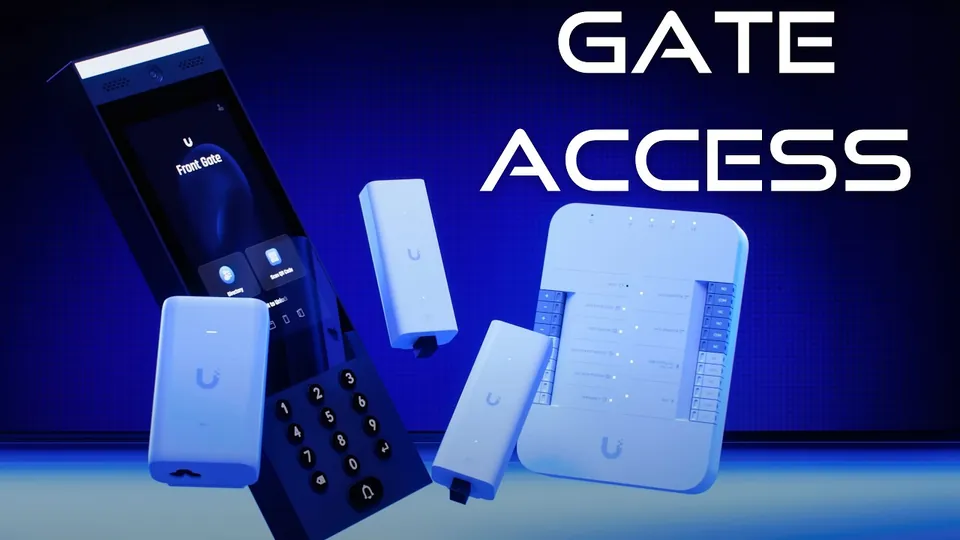
UniFi Gate Access Starter Kit first look: hub built for gates
Jul 5, 2024 · 1 min read
Jesse Nowlin
Founder of TABGEEKS, former IT Director and Google Developer Expert. TABGEEKS LIVE recaps the week in tech every Friday.
About the show