

Home / TABGEEKS LIVE / Episode recap
Installing UniFi Protect with an UNVR Pro and 14 G5 Turret Ultras
A working session unpacking a pile of G5 Turret Ultras and an UNVR Pro, aimed at a grant-funded community center camera job.

Jesse Nowlin
Host, TABGEEKS LIVE · · 1 min read
This livestream is a working install session: 14 UniFi G5 Turret Ultra cameras, a UNVR Pro, and a stack of hard drives destined for a community center Protect deployment. Jesse dumps the boxes on camera, talks through why these turrets show up in big multi-camera quotes, and starts the path into UniFi Protect 4.0-era recording choices.
The site is grant-funded security work, which means procurement rules are picky and the camera count is real. The stream is less a polished review and more "open the boxes with me while we plan the rack."
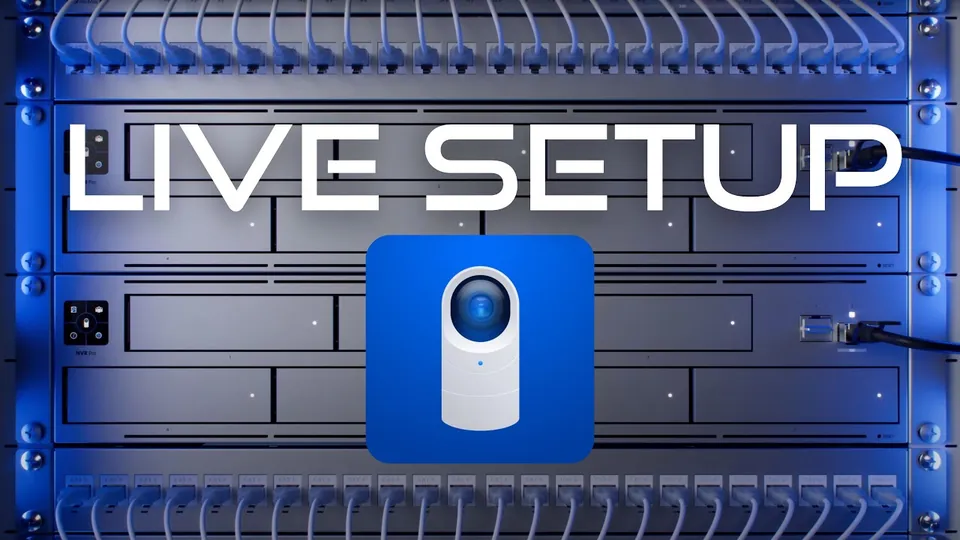
Prefer to watch? The full stream is right here. 1:13:05 · Watch on YouTube
Jump to a section in the video
Why G5 Turret Ultra
These are the compact turrets you see in bulk camera kits. Adjustable, familiar to anyone quoting 8 to 16 camera jobs, and a sane default when a community building needs coverage without jumping every corner to AI Pro pricing.
NVR and recording mode
The UNVR Pro plus drives is the recording backbone. On stream Jesse answers chat about scrubbing timelines versus motion-only recording: motion-only saves disk; continuous gives you the scrub even when analytics missed an event. For a community center, that trade is part of the design conversation, not an afterthought.
Bottom line
A practical Protect staging stream. Watch it for camera handling, NVR expectations and the questions that show up the moment fourteen turrets hit a table.
Gear in this episode
- Camera G5 Turret UltraSpecs and compare for Camera G5 Turret UltraUbiquiti Store (opens in a new tab)
- UniFi Network Video Recorder ProSpecs and compare for UniFi Network Video Recorder ProUbiquiti Store (opens in a new tab)
- Dream Machine ProSpecs and compare for Dream Machine ProUbiquiti Store (opens in a new tab)
- Dream Machine Pro MaxSpecs and compare for Dream Machine Pro MaxUbiquiti Store (opens in a new tab)
- Camera AI ProSpecs and compare for Camera AI ProUbiquiti Store (opens in a new tab)
Ubiquiti Store links are affiliate links. If you buy through them, the channel may get a small commission at no extra cost to you. Affiliate disclosure
Related

UniFi AI Port: adding face and plate recognition to older cameras
Dec 12, 2024 · 4 min read

UniFi Device Bridge IoT review: a $49 fix for wired-only devices
Nov 20, 2025 · 3 min read
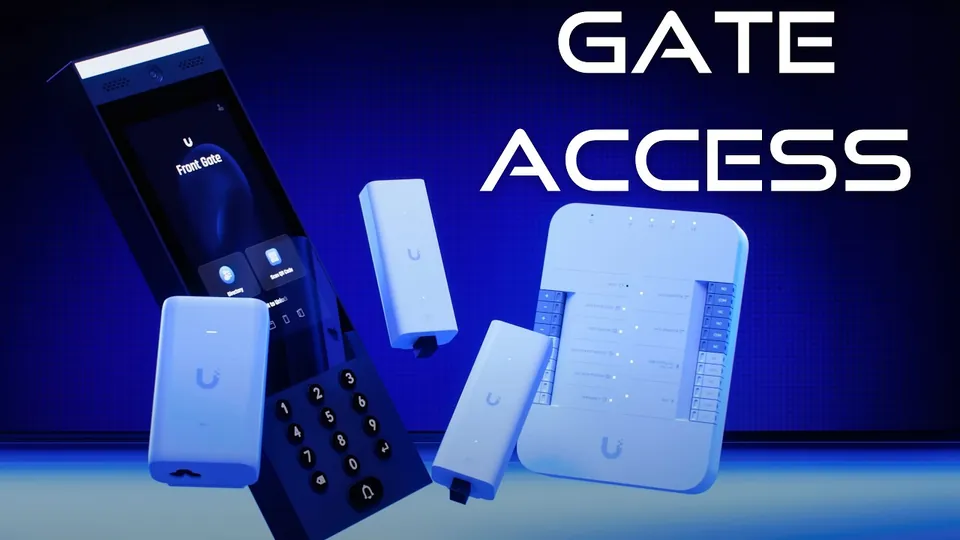
UniFi Gate Access Starter Kit first look: hub built for gates
Jul 5, 2024 · 1 min read
Jesse Nowlin
Founder of TABGEEKS, former IT Director and Google Developer Expert. TABGEEKS LIVE recaps the week in tech every Friday.
About the show