

iPhone Duo after 24 hours: 8 things I hate and 7 I love
I bought Apple's first foldable myself, set it up from scratch and used it all weekend. Here are the eight things bugging me and the seven I already love.

Jesse Nowlin
Founder, TABGEEKS · · 6 min read
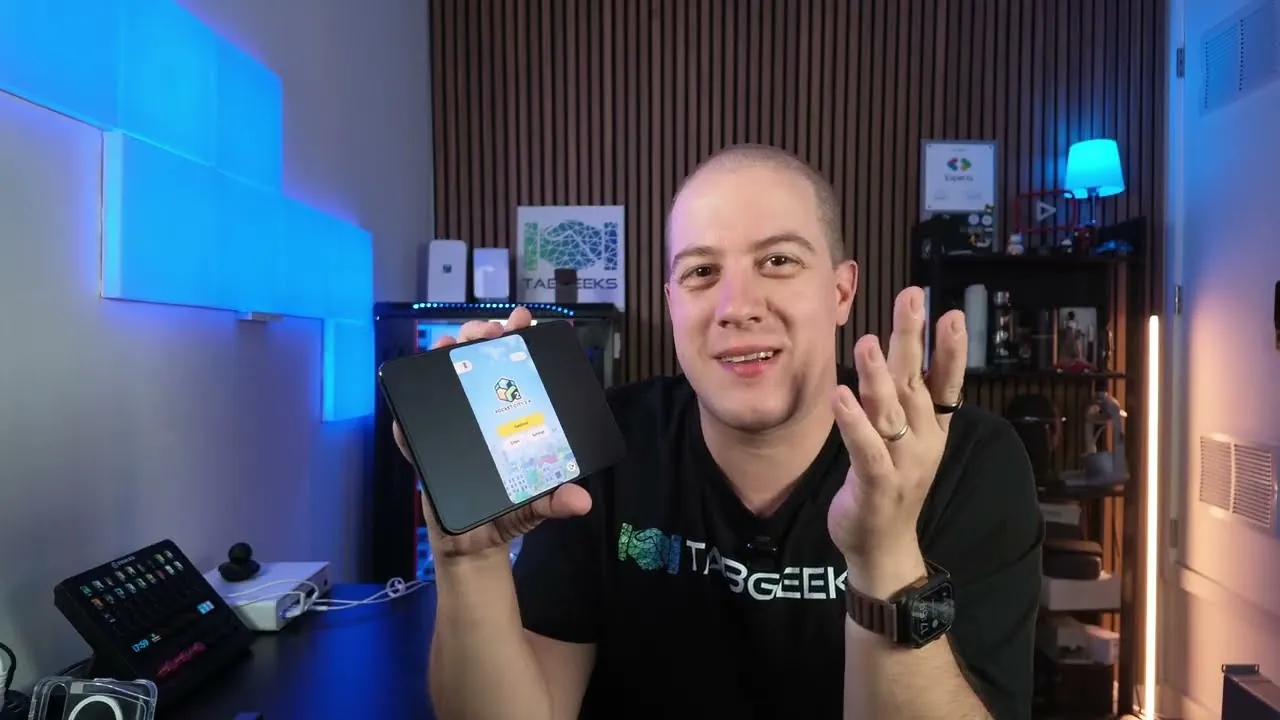
I picked up the iPhone Duo on launch day after a two-hour wait in line, and I bought it myself. Apple didn't send it to me. I set it up from scratch, the way I always do, because migrating an old phone drags along too many extra files. Then I spent a full day outdoors with it at a picnic with a couple hundred people, shooting photos, testing the screen in direct sun and living on it as my only phone.
That is not a long-term review. It is 24 hours of real use, running the iOS 27.2 beta that dropped while I was filming. Here are the eight things that are bugging me and the seven things I already love. The short version: it is a great start for Apple's first foldable, with a couple of camera misses that software will not fix.
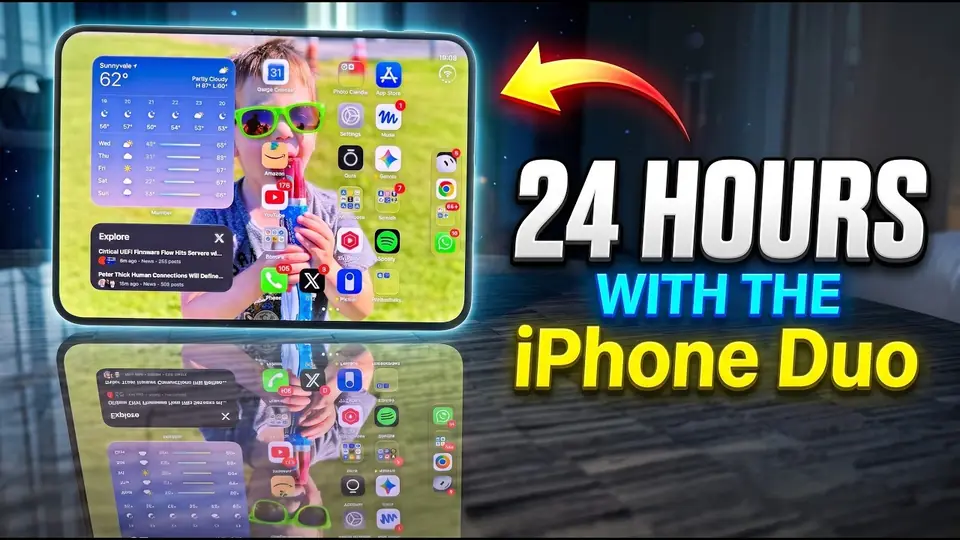
Prefer to watch? The full video is right here. 17:37 · Watch on YouTube
Jump to a section in the video
The cameras: great in daylight, behind everywhere else
Number one, I miss real zoom. The Duo only has 2x optical zoom. There is no 5x or 8x telephoto. Out in the field, I could not get the crisp close-ups of people across the field that I normally can, because 2x is only one jump forward. Sure, you can digitally zoom to 10x, but the resolution falls apart. Apple, add telephoto next year.
Number two, there is no IR emitter on the back. Night and near-dark photos are a real step back. On my previous phones I could get grainy but clearly outlined shots in a dark room. On the Duo it feels like jumping back several generations.
Number three follows from that: no spatial capture. There is no spatial video or spatial photo mode at all, which also makes me skeptical about how well it will handle augmented reality.
In good light, though, the 48 megapixel rear sensors do their job. At the picnic I was standing next to a photographer friend with a big professional Nikon, showed her some portrait mode shots, and she was impressed. Those were perfect conditions, outdoors at midday on a grassy background, so don't expect that clarity everywhere.
Number four is the inner under-display camera. The 12 megapixel selfie camera on the outer screen looks great, as usual. The camera that shoots through the inside screen does not. Shooting through pixels is bad for image quality, and right now it is only good for video calls where you just need to be seen. My take: if you are going to take a photo of yourself, flip it around and use the 48 megapixel sensors on the back with the outer screen as a viewfinder.
Unlocking and the fold: brand-new product problems
Number five: Face ID is gone. Unlocking is fingerprint only, and it is not slow, but it is not fast either. That is a software thing, and I expect Apple to tune it.
Number six is the transition between closed and open. Apps built for the Duo, like Flighty, have a beautiful animation when you fold and unfold, but when you move quickly it sometimes takes a second to snap into place. I move fast and I want the phone to keep up. I also want a setting that locks the phone when you close it. Old flip phones ended the call when you snapped them shut, and that is how this should work.
Some people online are reporting screen artifacts, enough that Apple has acknowledged it. I have not seen it on mine or on anyone's I know.
No Action button and a keyboard that eats the screen
Number seven: there is no Action button. I know it is controversial, but I use it to summon my agents and start a voice conversation. There is a camera launcher button, but no Action button anywhere on the device.
Number eight is the keyboard on the inner screen. Even with my text on the smallest setting, the keyboard takes up a full third of the screen. You can split it, but it stays the same height. When I am working and need to see the conversation, it gets cramped fast. I want a more compact option.
What I love: that inner screen
Now the good list. Number one is the reason I bought it: the massive inside screen. There are photos going around of the screen washing out in the sun. In my day outdoors with the sun hitting it directly, I only had to adjust the angle I was holding it once. The micro matte finish absorbs reflections really well. It does dampen the colors a little, and the outer screen is sharper than the inner one, but that is physics.
Number two: the crease is very slight. In normal use I don't notice it at all.
“I purchased this device. I bought it myself. Apple didn't send it to me.”
Multitasking on a phone that fits in my pocket
Number three is the expanded space for apps. Grok Bot uses both sides of the screen, so I can have my whole team of agents up while I work. In Safari I get the full desktop-style webpage, like I am sitting at a browser. That is not new if you have used foldables or tablets, but in a phone that fits in my pocket, it is fantastic.
I multitask a lot. Research, watching videos, taking notes, sitting in a client meeting. Two apps side by side, used independently, is exactly what I want. You can swap their sides or pair them so they come back together when you close and reopen the phone. I'll go as far as saying I mostly live on the inside screen and use the outside one for quick things on the move.
Number four is the outer display during photos. It can show a live preview so the person you are shooting can see the frame and help direct it, and it has the little kid-friendly animations we have had on Android for a while to get someone to look at the camera.
Performance, games and the outer screen
Number five is the 48 megapixel rear cameras in good light, which I covered above. Number six is speed. The A20 chip is a monster, and nothing I have thrown at it has slowed it down. Games updated for the Duo run smoothly. Outlanders 2, an Apple Arcade game that normally takes forever to load, moves around its world without a stutter. It does get warm near where the processing happens when you push it.
Not every app is ready. Pocket City is not updated yet and looks rough when stretched, and the narrow outer screen is a problem in apps that have not been optimized. Some developers hustled, though. X already runs image carousels the full width of the outer screen. It has not even been out a week. Give developers time.
Number seven surprised me. After 24 hours with the Duo, picking up my iPhone 17 Pro Max for a backup authentication code felt enormous. Even the Pixel 11 Pro Fold feels huge by comparison. It is funny how fast habits change after a decade of slab phones.
Bottom line
There is a lot of negative press about this phone, and I get it, complaints get clicks. But this is my daily driver, I am taking it on the road, and I am confident in Apple and the developers on its platform. Most of what I am complaining about is software, and that will get better. What updates won't fix is the missing telephoto lens and the missing IR emitter. For those, there's always next year's phone. My week-long travel and work review is next.
Gear in this story
- iPhone Duo
- ZAGG case with kickstandlink.amazon (opens in a new tab)
Some of these store links are affiliate links. If you buy through them, the channel may get a small commission at no extra cost to you. Affiliate disclosure
Related stories
Hands-on with the new Meta Ray-Ban Gen 3: Aviators, a camera-free option and a smaller camera
Sep 25, 2026 · 4 min read
Unboxing XREAL Aura: Android XR in a case that fits your backpack
Jun 24, 2026 · 5 min read

XREAL's Project Aura, X1S chip, Neo battery and Enterprise push: my interview with Ralph
Jun 12, 2025 · 4 min read
Jesse Nowlin
Founder of TABGEEKS, former IT Director and Google Developer Expert. I test networking and pro tech on real job sites, then write up what I find.
Join the community