

Ray-Ban Meta Gen 3 review: a real upgrade from Gen 1, a harder sell from Gen 2
I bought my own custom pair of Ray-Ban Meta Gen 3 Wayfarers, traded in two older pairs, and took them out on an e-scooter and next to a Metro train to test the new mics.

Jesse Nowlin
Founder, TABGEEKS · · 5 min read

I have used and reviewed nearly every pair of Meta's smart glasses: the Ray-Ban Gen 1 and Gen 2, the Oakleys, the Display glasses and more. I had been wearing a pair of Gen 3s for a couple of weeks, but they didn't come with the polarized lenses I wanted. So I returned them and ordered my own customized pair: Wayfarer Gen 3 in transparent matte ocean blue with polarized lenses.
I also traded in my Gen 1 and Gen 2 pairs for $150 off each, ran through setup and my recommended settings, and took the new glasses out on a 20 mph electric scooter and next to the Metro train to hear what the extra microphone actually does. My verdict up front: coming from Gen 1, upgrade. Coming from Gen 2, it is a harder sell at $500.

Prefer to watch? The full video is right here. 20:04 · Watch on YouTube
Jump to a section in the video
What's in the box and what changed in the design
The box is simple. You get the charging case, which looks like the same case as before with USB-C on the bottom and a reset and pairing button on the back, plus a getting started guide, a microfiber cleaning cloth, and paperwork on prescription lenses, safety and warranty.
The glasses themselves are where the changes are. The camera lens is 36% smaller, so it looks less obtrusive. The button on top has been redone. There are extra microphone ports on the bridge of the nose, and the mic holes that used to sit on the stems of the Gen 1 and Gen 2 are gone, hidden behind the speaker grill. The power switch has moved to the right temple. The capture LED still lights up on the right side, and the camera sits on the left.
And the transparent frames, which I have wanted since the first generation, look great. I tried on every size and style in the store before choosing, and these were the only ones that worked with my face.
Gen 3 vs Gen 2: the spec changes
Ray-Ban Meta Gen 3 vs Gen 2
| Feature | Gen 2 | Gen 3 |
|---|---|---|
| Camera lens | Previous size | 36% smaller |
| Microphones | 5 | 6 |
| Glasses battery | 8 hours | 9 hours |
| Total battery with case | 56 hours | 59 hours |
| Processor | Snapdragon AR1 Gen 1 | Snapdragon AR1 Gen 1 |
| Water resistance | IPX4 | IPX4 |
| Default video | 3K at 30fps | 3K at 30fps |
As stated in the video and description. Meta claims the new mic array cuts more than 90% of background noise.
New features include a slow motion mode, which works really well. I caught a hawk flying across the sky while driving just by hitting the button on the glasses. There is also a programmable action button with a forward and backward rocker, so you can map it to slow motion, video or Meta AI. Hyperlapse and live photos are here too, though those also came to the rest of the lineup.
What didn't change is the chip. There were rumors of a newer processor, but it is still the Snapdragon AR1 Gen 1. Water resistance stays at IPX4, which is solid, but I wouldn't take them swimming, especially as the seals wear over time. Landscape capture and Dolby Atmos sound are supposedly coming later. I haven't seen either yet.
How the Meta trade-in worked
I didn't know Meta had a trade-in program until I asked in the store what to do with my Gen 2s. I could have sold them on the open market, but that is a headache, and glasses are a personal item whose value drops fast once they are scratched.
The catch is that the value depends on what you are buying, not just what you are trading in. Both my Gen 1 and Gen 2 got me $150 off each, but only because I was buying top-of-the-line Ray-Ban Metas. On a less expensive pair, the trade-in value looked lower. Your mileage may vary, so check at a Meta store or online, which is where I customized mine.
Setup and the settings I change
Pairing is the usual routine: glasses in the case, open the app, connect. The setup flow now includes a "respect people's privacy" screen, which makes sense given the backlash about the cameras. I take mine off in any public restroom for my own privacy too.
The first thing I do with any new hardware is run updates. Then I go into the settings:
My recommended settings
| Setting | What I do |
|---|---|
| Video quality | Leave the 3K at 30fps default |
| Video stabilization | Medium |
| Dynamic photo | On |
| Auto import only when charging | Off |
| Adaptive volume | Off |
| Spatial audio | Off |
| Early access | On |
| Notification LED brightness | High, so I can tell when it is recording in bright light |
| Wear detection | Usually off, left on this time to see if it improved |
Real-world audio: wind, horns and a Metro train
I took a video riding an electric scooter at about 18 to 20 mph, downhill, talking at a normal volume just loud enough to be heard over the wind, with a car honking at an intersection. Then I parked next to the Metro rail tracks and recorded while a train went by. Talking at my normal voice, I was having a little trouble hearing myself over the train, so judge the clip for yourself.
One thing that has always driven me crazy about these glasses, and plenty of others, still applies: you can't record video and listen to music at the same time. I understand why, but sometimes I just want the video without the audio and to keep my music going.
Who should upgrade
They feel great on my face, and they are basically the same design as before. If you are on Gen 1s, I would absolutely recommend upgrading. If you are on Gen 2s, it is more of a stretch. You get the smaller camera, better battery life and the extra mic for noise reduction, but overall they are relatively the same. You may want to wait for whatever the Gen 4s are, with a next-generation chip and Muse, the more agentic version of Meta's assistant.
“Did I need to upgrade? No. Did I want to upgrade? Yeah, because I like the newest thing.”
For me, the polarized lenses were the real reason. My previous pair was only tinted, and driving in Southern California at the end of the day, the glare off the windshield can make it very hard to see. With polarized lenses I see right through it.
There isn't that much new here for $500. That price gets easier to stomach once you take $150 off with the trade-in and sell another pair you don't need. I call it creator math.
Bottom line
These are my daily drivers. I don't leave the house without them. Gen 1 owners get a much better upgrade than Gen 2 owners do. If your Gen 2s are worn down and you need a new pair anyway, go for it. Otherwise, I am waiting on the software update that brings Muse, because that is where these glasses get really interesting. I don't wear prescription lenses, but you can get prescription inserts for these.
Gear in this story
- Ray-Ban Meta Wayfarer Gen 3
Ubiquiti Store links are affiliate links. If you buy through them, the channel may get a small commission at no extra cost to you. Affiliate disclosure
Related stories
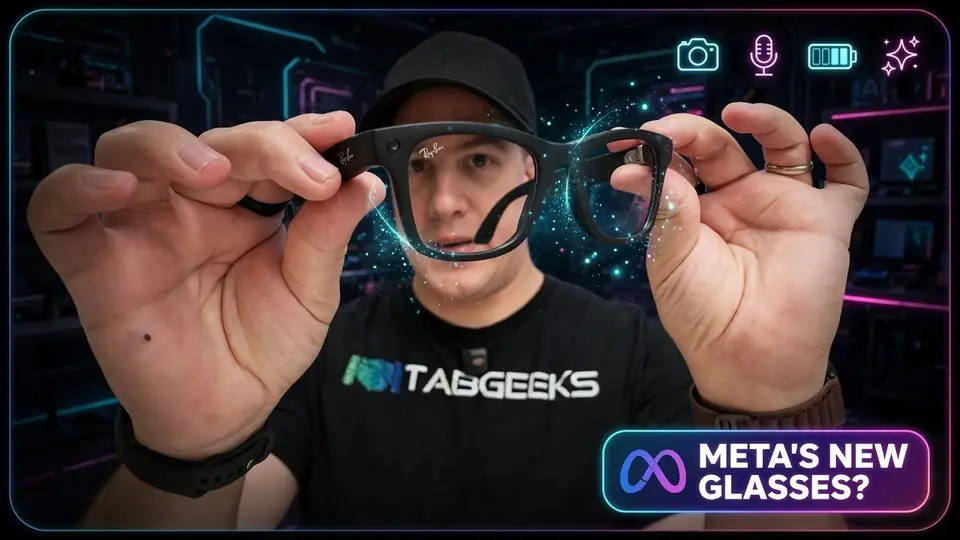
Hands-on with the new Meta Ray-Ban Gen 3: Aviators, a camera-free option and a smaller camera
Sep 25, 2026 · 4 min read
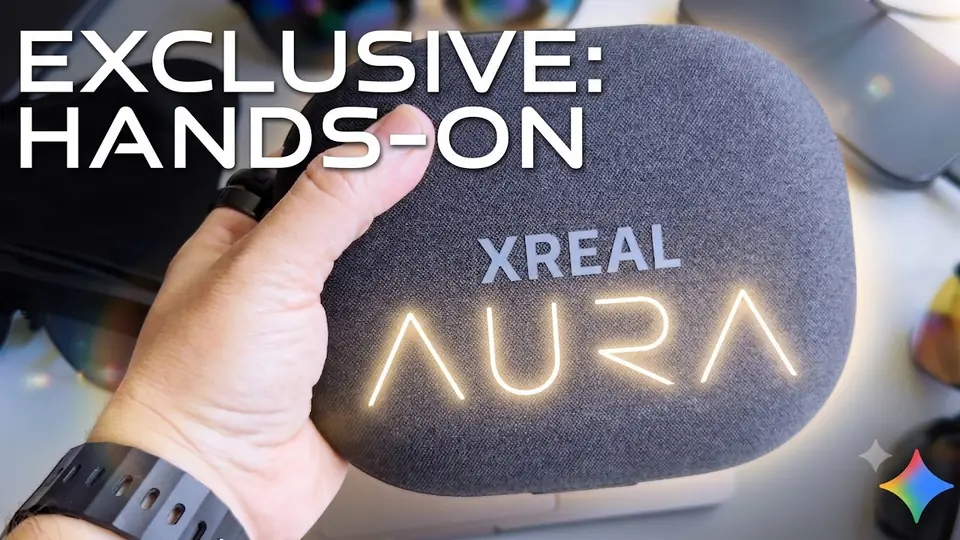
Unboxing XREAL Aura: Android XR in a case that fits your backpack
Jun 24, 2026 · 5 min read

XREAL's Project Aura, X1S chip, Neo battery and Enterprise push: my interview with Ralph
Jun 12, 2025 · 4 min read
Jesse Nowlin
Founder of TABGEEKS, former IT Director and Google Developer Expert. I test networking and pro tech on real job sites, then write up what I find.
Join the community