

Home / Stories / UniFi + Networking
UniFi Access Ultra unboxing: reader with the hub built in
One device on the wall instead of a separate Access hub elsewhere in the closet. That is the Ultra pitch.

Jesse Nowlin
Founder, TABGEEKS · · 1 min read
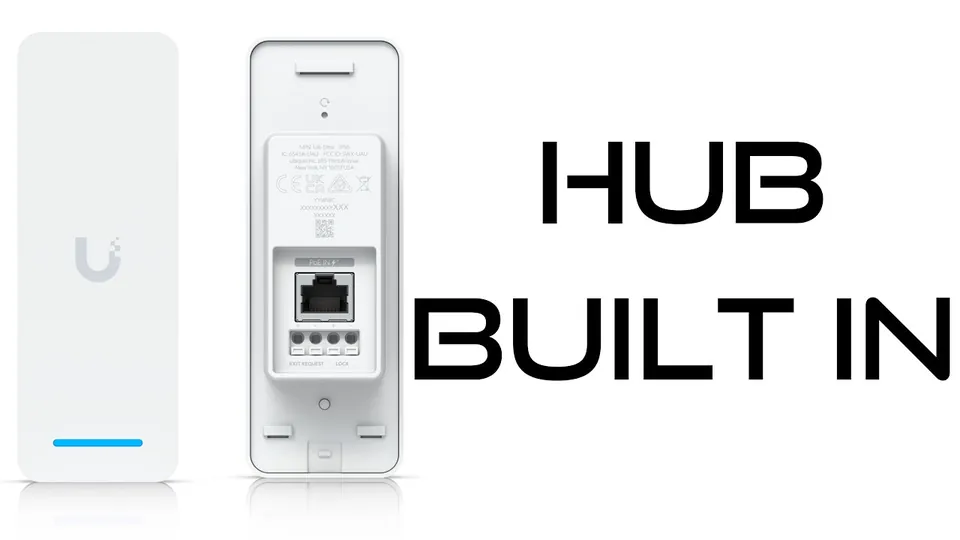
The UniFi Access Ultra puts the hub in the reader. Instead of landing PoE on a separate Access hub in a closet, the Ultra brings PoE in, exit and request-to-exit inputs, and lock terminals into the same chassis that sits at the door.
In the box: the reader, mounting hardware, a gang-box plate, a tamper security key and screw packs for wall or gang-box installs. A rubber grommet note reminds you to seat the cable seal so water cannot follow the run into the electronics.
Prefer to watch? The full video is right here. 3:03 · Watch on YouTube
Jump to a section in the video
Compared with the G2 Reader
Next to a G2 Reader, the Ultra is a bit taller and wider. The back plate is deeper to hold the extra electronics that used to live in a separate hub. That is the trade: a slightly larger wall unit for fewer boxes in the path of the door.
Bottom line
Cleaner single-door installs and fewer failure points between reader and hub. For multi-door closets you may still want a traditional hub layout; for one door done neatly, Ultra is the simpler sketch.
Gear in this story
- Access UltraSpecs and compare for Access UltraUbiquiti Store (opens in a new tab)
- Access G2 ReaderSpecs and compare for Access G2 ReaderUbiquiti Store (opens in a new tab)
- Gang Box Mounting PlateSpecs and compare for Gang Box Mounting PlateUbiquiti Store (opens in a new tab)
Ubiquiti Store links are affiliate links. If you buy through them, the channel may get a small commission at no extra cost to you. Affiliate disclosure
Related stories

UniFi AI Port: adding face and plate recognition to older cameras
Dec 12, 2024 · 4 min read

UniFi Device Bridge IoT review: a $49 fix for wired-only devices
Nov 20, 2025 · 3 min read
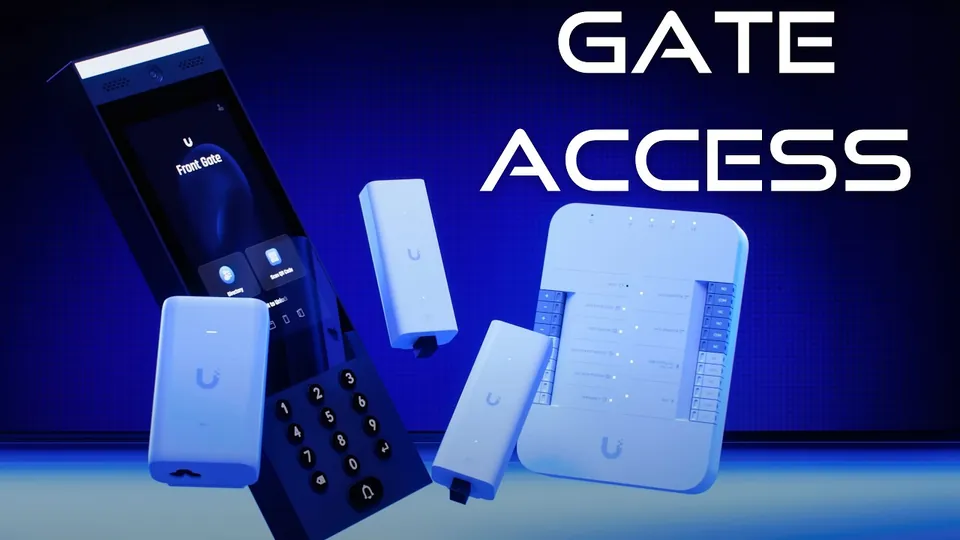
UniFi Gate Access Starter Kit first look: hub built for gates
Jul 5, 2024 · 1 min read
Jesse Nowlin
Founder of TABGEEKS, former IT Director and Google Developer Expert. I test networking and pro tech on real job sites, then write up what I find.
Join the community