

Home / Stories / UniFi + Networking
UniFi U7 Outdoor unboxing: Wi-Fi 7 with a built-in sector antenna
First look at Ubiquiti's all-weather Wi-Fi 7 outdoor access point, including the integrated sector antenna and mounting kit.

Jesse Nowlin
Founder, TABGEEKS · · 1 min read
The UniFi U7 Outdoor is the weatherproof Wi-Fi 7 access point a lot of installers had been waiting on. Four spatial streams, an integrated directional super antenna, 2.5GbE PoE+ in, and a mount kit for poles and walls. Description price at launch: about $199.
Out of the box it feels heavier than a typical UniFi AP, with a metal heat sink on the back and a full plastic wrap instead of just a mount cover. The top accepts antennas for 360-degree coverage. Inside the chassis is the built-in sector antenna meant to push signal in one direction without bolting on a separate sector.
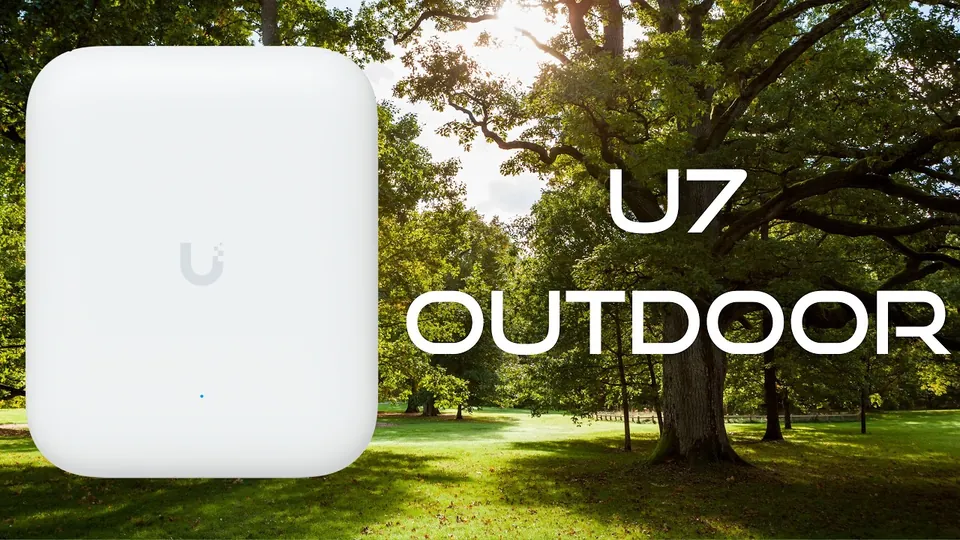
Prefer to watch? The full video is right here. 5:14 · Watch on YouTube
Jump to a section in the video
Ports and weather details
Ethernet lands behind a rubber grommet marked PoE in, PoE+, on a 2.5 gigabit jack. Keep that grommet seated if the unit lives outdoors. The back plate carries the heat sink and the hardware interface for pole clamps and other mounts included in the kit.
Mounting
Ubiquiti includes pole and wall options plus the usual template and screws. The idea is one SKU that can sit on a mast aimed across a parking lot or mount flat on a wall when you want broader coverage with the top antennas.
Bottom line
A serious outdoor Wi-Fi 7 AP with the sector antenna built in. This unboxing stops at first impressions; the lake range test is the companion piece for real distance numbers.
Gear in this story
- Access Point U7 OutdoorSpecs and compare for Access Point U7 OutdoorUbiquiti Store (opens in a new tab)
Ubiquiti Store links are affiliate links. If you buy through them, the channel may get a small commission at no extra cost to you. Affiliate disclosure
Related stories

UniFi AI Port: adding face and plate recognition to older cameras
Dec 12, 2024 · 4 min read

UniFi Device Bridge IoT review: a $49 fix for wired-only devices
Nov 20, 2025 · 3 min read
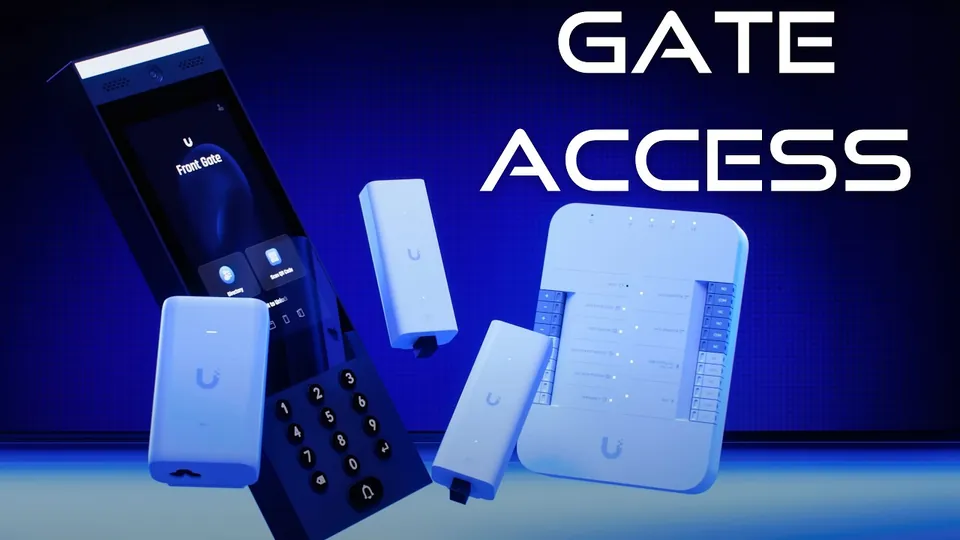
UniFi Gate Access Starter Kit first look: hub built for gates
Jul 5, 2024 · 1 min read
Jesse Nowlin
Founder of TABGEEKS, former IT Director and Google Developer Expert. I test networking and pro tech on real job sites, then write up what I find.
Join the community