

My 10 by 10 YouTuber studio tour, before I tear it all down
I am doubling my studio to 10 by 20, so before it all comes down, here is the full tour of the 10 by 10 one-man setup: the top-down rig, the desk, the gear I swear by, the charging setup and the Ubiquiti rack.

Jesse Nowlin
Founder, TABGEEKS · · 5 min read
I planned to make this video back in January, when I redid the studio. The problem is I never got it to a point where I felt it was done. I was always tweaking something, and I never got the cool sound panels up behind me. It has been fully functional for months, because I designed it that way, but it never felt polished enough to put a bow on.
Now it is all about to go away. I am doubling the studio from 10 by 10 to 10 by 20, and the recording set will become its own space separate from my workstation. Before I tear it down, here is how a one-man YouTube show runs out of a small room. I cleaned up for this, which never lasts. ADHD brain here, so if you have tips for staying tidy, let me know.
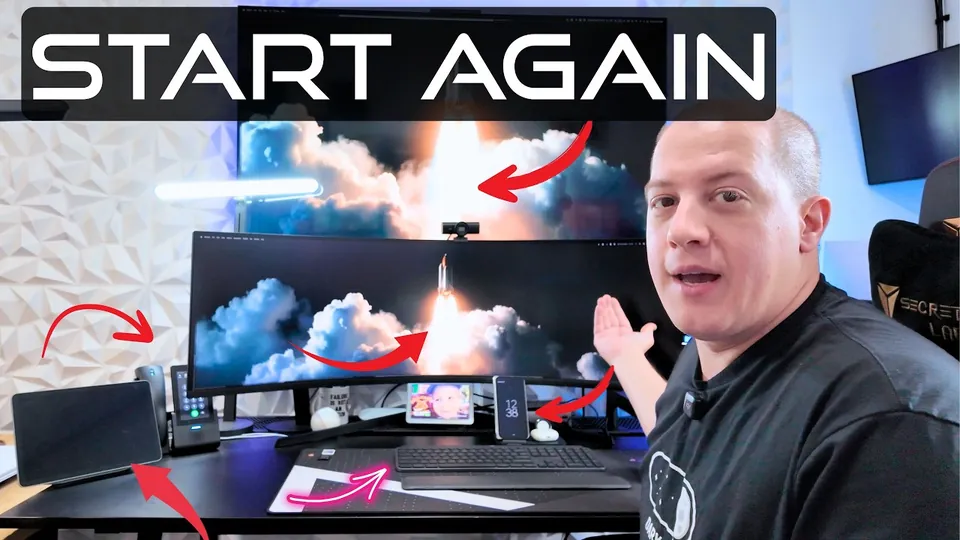
Prefer to watch? The full video is right here. 22:27 · Watch on YouTube
Jump to a section in the video
The top-down set
The desk in most of my videos is a Husky workbench from Home Depot. It has a hand crank instead of a motor and sits on casters, so I can roll it in front of the bookcase depending on the shot. Clamped to it is a SmallRig pole with an arm for the camera and adjustable heights for lights. It is solid enough to clamp a tripod or anything else I need, and I power the lights from a battery so there are fewer wires running around.
The top-down camera is honestly janky. My Sony camera hangs from the ceiling rod that holds a blackout curtain, which I pull across when I need privacy or tight lighting control.
The desk, left to right
A Google Pixel Tablet on its dock is there for YouTube, quick questions or a second interface I can grab and take with me. Tucked behind the monitor is a Ubiquiti G3 Touch Pro phone. I don't get many calls, but I really like the wireless Bluetooth handset when I end up on hold with some office.
Behind the monitor is a Logitech light bar. The front does shades of white, and the back does color accents. My only overhead light is a single spot, which looks bad at night, so the light bar helps on video calls. Behind that is the Telly TV, the free TV that you get in exchange for your data, with a second strip showing weather, stocks and news. I mounted it a bit low, so the monitor mostly hides it. That turns out to be nice when I want to focus.
The speakers are Razer Nommo desktop speakers with 3 inch drivers and rear bass ports. The LEDs are also a handy sign that they have lost power. There is a Google Home hub, the Google 4K streamer, my Pixel 9 Pro Fold and AirPods on an Anker desktop charging stand. I chose general wireless charging over MagSafe because I charge all kinds of phones I am testing.
The webcam is a Logitech MX Brio. I like it, but it occasionally flickers, and in Riverside I sometimes have to unplug it before the computer sees it. That could be the app, the camera or the dock. The dock is a CalDigit TS4, with an Anker 4 port HDMI switch on top to switch between my MacBook Pro and the Google streamer. I am also working on a video about the UniFi Display Cast Pro for showing logos or products on the new set.
Input, screens and audio
The Elgato low profile mic arm slides under the monitor and stays out of the shot. On the Logitech MX train, I swear by the MX Keys and love the MX Master 3S. When it dies I will buy another, and when a new version comes out I will buy that too.
The main attraction is a Samsung Odyssey G9. It isn't the OLED, and it is not 4K, so I am waiting for a 4K version. I keep three browser windows side by side on it. The big TV above holds my communications, like Google Chat, WhatsApp, Slack and Discord, plus Spotify, time tracking for client billing, notes and tasks. I used to run a Dell 27 inch 4K monitor as a wraparound, but the TV in front means much less head turning. My MacBook Pro 14 with an M3 Max and 32 GB of RAM sits in a Human Centric vertical stand plugged into the dock.
Next to the desk is a SwitchBot Meter Pro CO2 monitor. During long editing sessions with the windows closed, CO2 rises and you get sleepy, so it tells me when to open a window or take a walk. For audio, the Shure MV6 handles live shows, podcasts and calls. I recorded this video on a DJI Mic 2, and my older videos used a Shure MV7. I also have a Jabra Evolve2 65 boom headset on a hanger under the desk.
Everything runs on USB-C
I am a die-hard believer that anything short of a big switch should run on USB-C and, ideally, rechargeable batteries. My camera and lights run off battery packs, so I never need to find an outlet. I use a lot of Anker batteries, including bigger Solix units, charged on Anker desktop chargers.
I love cables with a built in wattage screen. I need to know a device is actually fast charging, not trickling because of a bad cable or a charger in the wrong mode, so I don't grab a dead battery an hour later. I can see my phone pulling 20 to 30 watts or my laptop pulling 60 to 140 watts at a glance. There is also a battery backup under the desk, and IKEA drawers hold test laptops, mounts, microphones and SD cards.
“All of it should be powered via battery packs because I can just take it with me.”
The rack
Below the rack is my Milwaukee Packout IT kit. The top rack is the Ubiquiti test rack, and thank you to Ubiquiti for sending gear so I can show how it all works. The bottom rack runs my own production network on a separate setup, because the house network can't go down while I am testing something. I am consolidating storage onto my UNAS Pro.
As a sneak peek of then unannounced gear, the test rack had the Switch Pro XG 10 PoE and the new WAN switch, plus a U7 in-wall access point I was playing with. That is the life of a tech YouTuber: devices everywhere, some of them embargoed, which is exactly why the new studio separates testing from production.
What the new studio fixes
The new 10 by 20 space gets better soundproofing and lighting control, a dedicated recording set, a permanent top-down set for unboxings, storage on both sides of the wall and a dedicated background for my desk. The goal is to sit down, check there is an SD card in the camera and hit record, without reframing around clutter or embargoed gear. I am filming the whole build as a series, so stay tuned.
Gear in this story
- Phone G3 Touch ProSpecs and compare for Phone G3 Touch ProUbiquiti Store (opens in a new tab)
- Display Cast ProSpecs and compare for Display Cast ProUbiquiti Store (opens in a new tab)
- UNAS ProSpecs and compare for UNAS ProUbiquiti Store (opens in a new tab)
- Switch Pro XG 10 PoESpecs and compare for Switch Pro XG 10 PoEUbiquiti Store (opens in a new tab)
- UniFi WAN SwitchSpecs and compare for UniFi WAN SwitchUbiquiti Store (opens in a new tab)
- Husky adjustable workbenchhomedepot.com (opens in a new tab)
- SmallRig mountAmazon (opens in a new tab)
- Sony ZV-E10Amazon (opens in a new tab)
- Logitech MX BrioAmazon (opens in a new tab)
- DJI Mic 2Amazon (opens in a new tab)
- Elgato Low Profile Mic ArmAmazon (opens in a new tab)
- Shure MV7Amazon (opens in a new tab)
- Shure MV6Amazon (opens in a new tab)
- Jabra Evolve2 65Amazon (opens in a new tab)
- Razer Nommo speakersAmazon (opens in a new tab)
- Samsung Odyssey G9Amazon (opens in a new tab)
- Dell 27 inch 4K monitorAmazon (opens in a new tab)
- Logitech MX KeysAmazon (opens in a new tab)
- Logitech MX Master 3SAmazon (opens in a new tab)
- Human Centric vertical standAmazon (opens in a new tab)
- CalDigit TS4 dockAmazon (opens in a new tab)
- Anker 4 port HDMI switchAmazon (opens in a new tab)
- Google Pixel Tablet with dockAmazon (opens in a new tab)
- SwitchBot Meter ProAmazon (opens in a new tab)
- Anker desktop charging unitsAmazon (opens in a new tab)
- Battery backupAmazon (opens in a new tab)
Some of these store links are affiliate links. If you buy through them, the channel may get a small commission at no extra cost to you. Affiliate disclosure
Related stories
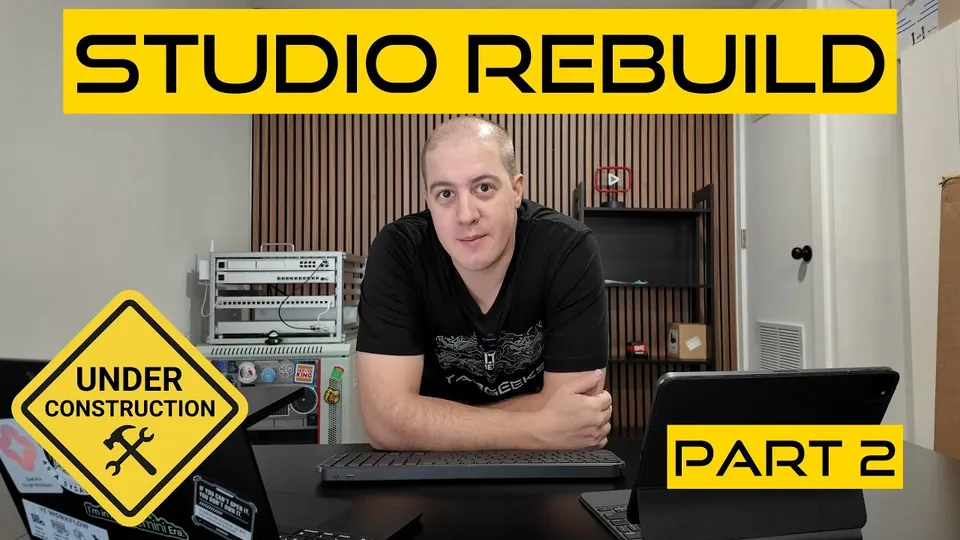
Flexispot E7 Pro L review: the standing desk at the center of my new studio
Jul 3, 2025 · 4 min read
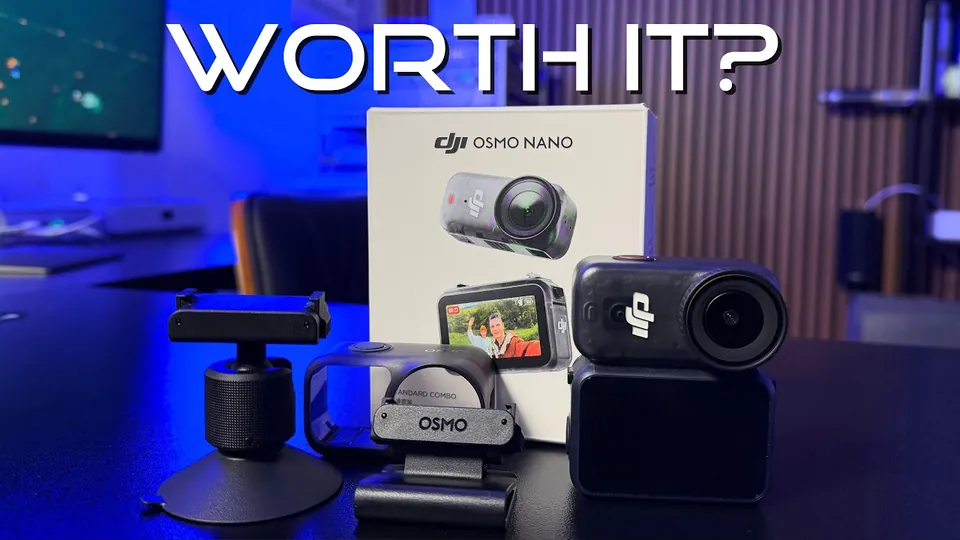
DJI Osmo Nano unboxing and first look: a tiny camera with a lot in the box
Oct 1, 2025 · 4 min read
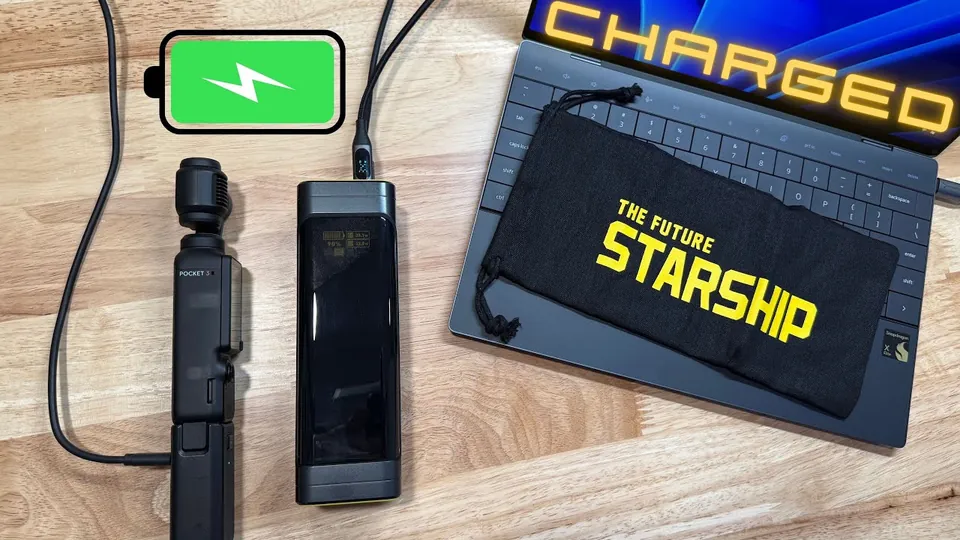
Aohi Starship 240W power bank review: laptop power in a soda can
Apr 2, 2025 · 3 min read
Jesse Nowlin
Founder of TABGEEKS, former IT Director and Google Developer Expert. I test networking and pro tech on real job sites, then write up what I find.
Join the community