

Home / Stories / UniFi + Networking
UniFi Cloud Gateway Industrial review: the toughest UniFi gateway, installed on a job site
Ubiquiti's new fanless, rugged Cloud Gateway Industrial runs the full UniFi suite with 10 GbE, high-power PoE and Wi-Fi 7. I mounted it on a future community center site, ran it over 5G and loaded it with cameras.

Jesse Nowlin
Founder, TABGEEKS · · 5 min read
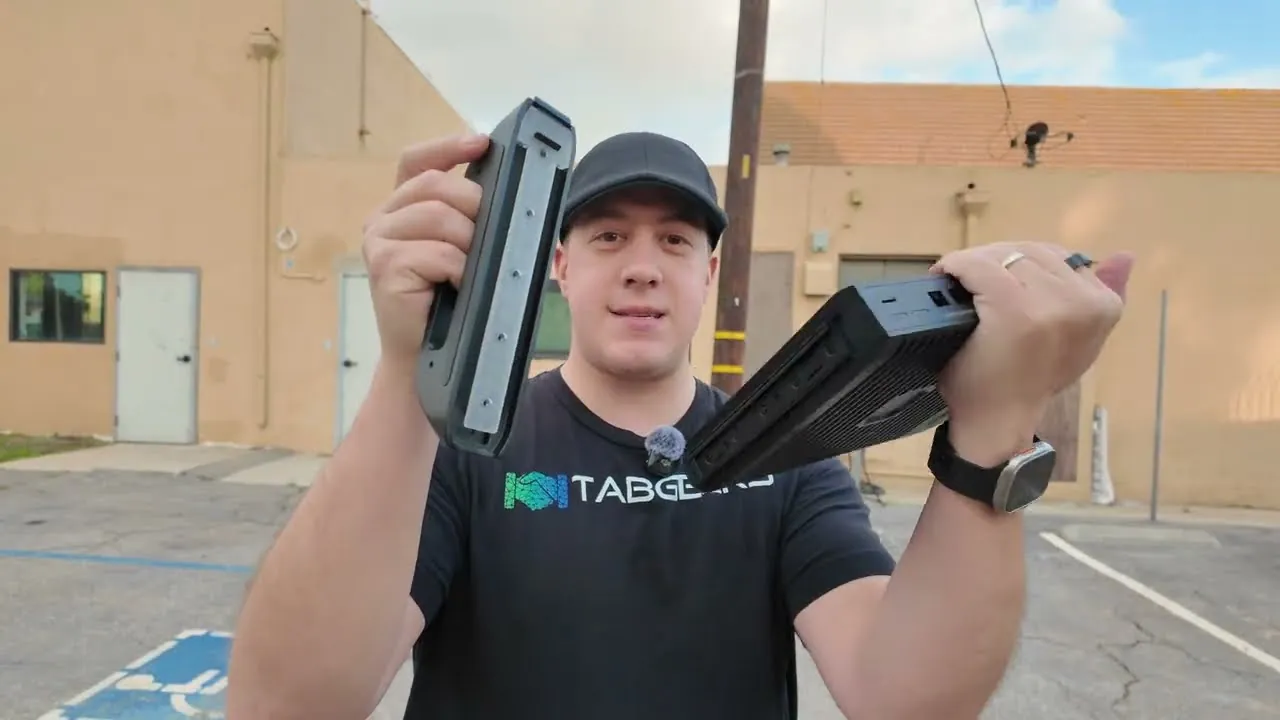
An industrial product deserves an industrial test, so this one got me out of the studio and onto a job site. The UCG Industrial was just announced, and it is a beast of a console: fanless, rugged, with Wi-Fi antennas on top and the entire UniFi app suite running on board. Network, Protect, Access, you name it.
The site behind me is about to become a community center, which means lots of construction, lots of dust and a real need for network, cameras and Wi-Fi. I mounted the UCG Industrial in what will be the security room, powered the internet from a UniFi 5G Max Outdoor and moved the site's cameras onto it. It is going to be one of my new favorites to deploy.
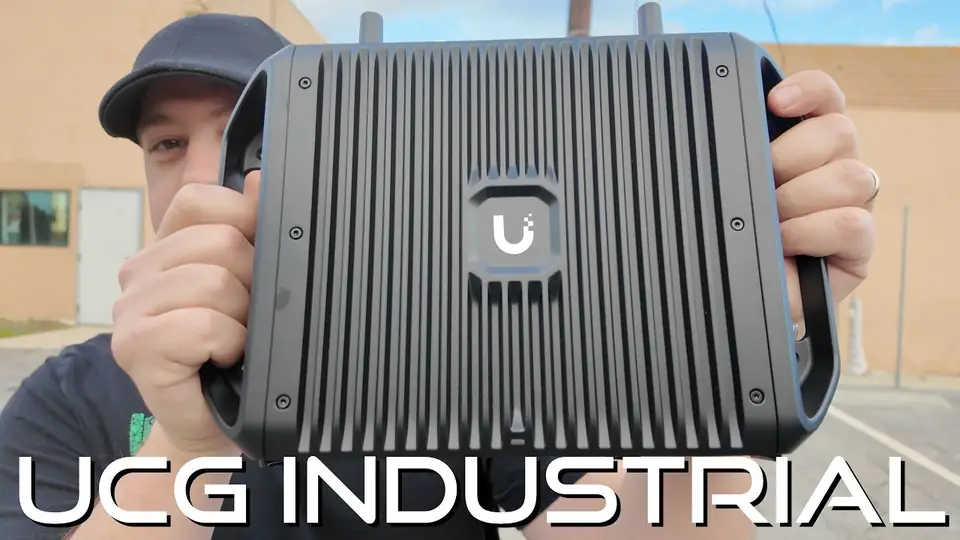
Prefer to watch? The full video is right here. 12:19 · Watch on YouTube
Jump to a section in the video
What you get
There are two power options on the left side. Up front, you get a 10 GbE SFP+ port and a 10 GbE RJ45 port, plus 2.5 GbE ports. Two ports deliver up to 90 W each: the 10 GbE RJ45 and the 2.5 GbE port next to it. The other two are PoE+. That is enough to build a full 10 GbE network with this at the core.
UCG Industrial at a glance
| Feature | As stated in the video |
|---|---|
| Uplinks | 10 GbE SFP+ and 10 GbE RJ45 |
| High-power PoE | Two ports up to 90 W each |
| Other PoE | Two PoE+ ports |
| Wi-Fi | Wi-Fi 7, no 6 GHz |
| Storage | microSD slot, ships with a 128 GB card for Protect |
| Cellular | Two SIM slots, not active at recording |
| Cooling | Fanless |
| Price at launch | $579 |
Check Ubiquiti's store for current specs and pricing.
The 128 GB microSD card is for your camera recordings. The two SIM slots are planned as remote SIM slots. The idea is that you can swap the SIM used by your 5G antenna without climbing up to touch the antenna. They were not active when I recorded, so for now the SIM lives in the 5G Max Outdoor.
Why industrial matters
Construction sites mean dust. A fanless design cools itself without pulling in dust, particulates and junk. Kitchens are another place this shines. A client of mine has already killed several switches in a kitchen full of flour, whose tiny particulates get inside and slowly degrade the hardware. I am glad to see Ubiquiti building a whole industrial lineup alongside this, even though this is the only piece I have so far.
On a site like this, the engineers and contractors need internet for plans, tablets and laptops. 5G is great, but a local Wi-Fi network is better, and we already have doors wired for access control from a security grant that this can now run.
Installing it and getting online over 5G
The side rails come off cleanly and are really solid. There is a desk mount option, and the handles have holes for mounting straight to a wall, which is what I did on the existing backboard. If you need to relocate it later, you can unscrew it from the handles without pulling the screws. Pro tip I learned the hard way: start with one handle. It is a lot easier.
The power brick is massive, but it comes with its own mounting plate so it can sit right next to the gateway. In the box you also get black, color-matched extended range antennas. I swapped them on because I wanted the range, and it looks a lot more menacing with them.
The old setup was not great: a 5G modem that no longer worked, an NVR Pro getting beaten up and a switch I hoped was surviving. I had set the UCG Industrial up at my studio first, because I was not sure it could use the 5G antenna before being adopted. I believe it needs to be adopted and the SIM activated first.
On site, it came online right away. My first speed test over 5G came in at 245 Mbps down and 30 Mbps up, which is respectable. Then I factory reset the existing switch, a USW Pro Max 24 PoE, and adopted it to bring the cameras and doors onto the new gateway. With the UCG Industrial, the U5G Max Outdoor and the switch, we had eight cameras up and running.
Stress test: seven 2K cameras over cellular
Back at the studio late that night, I migrated the cameras from the UNAS Pro that had been running them onto the UCG Industrial. Seven 2K cameras adopted, all G5 Turret Ultras, since there was no G6 when they went up. Protect showed room for one more, so eight 2K cameras looks like the sweet spot. I do not have official specs on this.
My rough estimate: with 4K cameras you would get maybe four or five, with 1080p HD likely more, and with 5K maybe two or three. On high quality, on a dark, stormy, rainy night, the feeds were sharp, I could see cars driving by and it was all processing live over cellular. The network had used almost 10 GB that day, some of it on wired updates earlier.
One goof: it identified my iPhone as Windows XP Professional. I may report that one to Ubiquiti.
“I think that this is probably going to be one of my new favorites to deploy because, first of all, it's fanless, it's rugged, it's got all of the things built in.”
What's next: powering Starlink
The reason for those 90 W ports is a test I ran out of daylight for: whether this can power a Starlink dish directly. I have the standard dish, the high performance dish and the Mini, and I will do a follow-up on which ones work and whether it makes sense as primary or backup. For mountain sites, rooftops, construction or camping, that could be a huge use case.
Bottom line
The UCG Industrial is fanless, rugged and has Wi-Fi, storage, 10 GbE and serious PoE built in. It is not waterproof, but throw it in a waterproof box and you are pretty much golden. Like the UCG Fiber and UCG Max before it, this is an excellent addition to the lineup. It is $579 at launch, it is now in production on this site, and I am going to keep using it.
Gear in this story
- Cloud Gateway Industrial (UCG Industrial)Specs and compare for Cloud Gateway Industrial (UCG Industrial)Ubiquiti Store (opens in a new tab)
- Camera G5 Turret UltraSpecs and compare for Camera G5 Turret UltraUbiquiti Store (opens in a new tab)
- UniFi 5G Max OutdoorSpecs and compare for UniFi 5G Max OutdoorUbiquiti Store (opens in a new tab)
- UniFi Pro Max 24 PoESpecs and compare for UniFi Pro Max 24 PoEUbiquiti Store (opens in a new tab)
- UniFi Network Video Recorder ProSpecs and compare for UniFi Network Video Recorder ProUbiquiti Store (opens in a new tab)
- UNAS ProSpecs and compare for UNAS ProUbiquiti Store (opens in a new tab)
- Cloud Gateway FiberSpecs and compare for Cloud Gateway FiberUbiquiti Store (opens in a new tab)
- UniFi Cloud Gateway MaxSpecs and compare for UniFi Cloud Gateway MaxUbiquiti Store (opens in a new tab)
Ubiquiti Store links are affiliate links. If you buy through them, the channel may get a small commission at no extra cost to you. Affiliate disclosure
Related stories
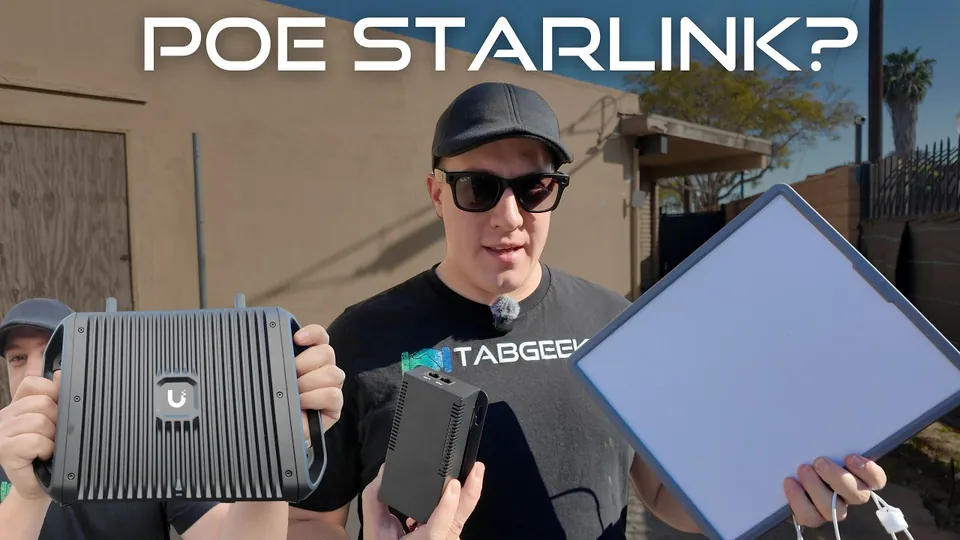
Powering a Starlink Mini from a UniFi Cloud Gateway Industrial
Mar 2, 2026 · 2 min read
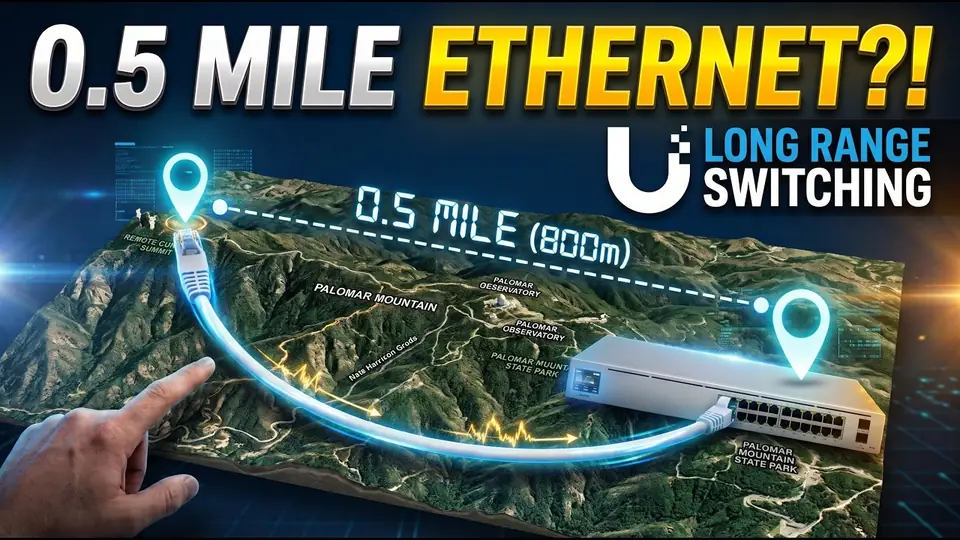
PoE half a mile away? I tested UniFi long-range Ethernet at 1,000, 2,000 and 3,000 feet
Oct 27, 2026 · 5 min read
UniFi U7 Industrial review: a rugged Wi-Fi 7 AP with bat wings
Oct 8, 2026 · 4 min read
Jesse Nowlin
Founder of TABGEEKS, former IT Director and Google Developer Expert. I test networking and pro tech on real job sites, then write up what I find.
Join the community