

Home / Stories / AI at work
2024 Google Workspace year in review: 341 updates and our favorites
It was a huge year for Google Workspace. I sat down with Christian Newman, CEO and founder of Rise Digital, to break down the biggest changes of 2024, from Gemini everywhere to the small quality-of-life fixes we'd been begging for.

Jesse Nowlin
Founder, TABGEEKS · · 5 min read
Welcome to our 2024 recap of Google Workspace. It's been a long year, and I'm already planning coverage for Google Next 2025 in April. To break it all down, I was joined by Christian Newman, CEO and founder of Rise Digital.
By my last count, Google shipped 341 updates to Workspace in 2024. That's a lot to keep up with, so we went through our favorites across Gemini, Docs, Sheets, Chat, Drive, Meet, Forms and the admin console, plus a couple of honorable mentions.
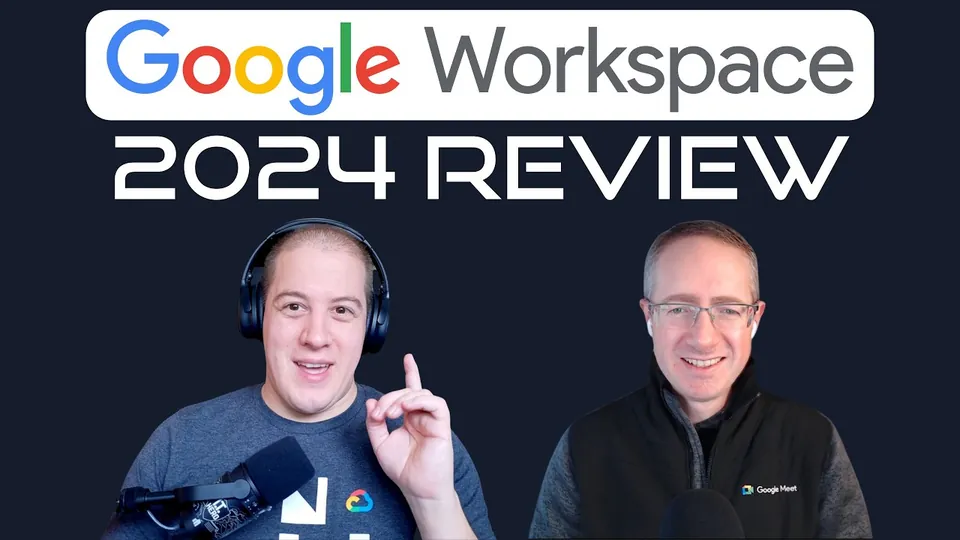
Prefer to watch? The full video is right here. 1:09:49 · Watch on YouTube
Jump to a section in the video
Leadership changes
The year ended with a leadership change. Aparna Pappu, who led Workspace, moved on, and longtime Google exec Jerry Dischler has taken over. Thank you, Aparna, for everything you've done and set in motion. Each leader brings a different philosophy, so we're curious to see where Jerry takes the product, and I expect we'll see more of him at Google Next.
Gemini was the story of 2024
We'd be out of touch not to say Gemini was the biggest thing of the year. Starting with Next in April, we saw rapid introduction of new capabilities and constant iteration on existing ones.
Take notes for me in Meet is one of the bright spots everyone loves. When it first rolled out in beta, it was an exhaustive play-by-play of everything discussed. It's gotten much better.
The side panel is the omnipresent chat interface where you go back and forth with Gemini, pulling context from the email or file you're in and reaching beyond it into the rest of your Workspace. The confusing part is that Help me write, the side panel and the Gemini app all do things a little differently. I wish they were one experience that synced together.
NotebookLM and Gems
NotebookLM was a highlight. It used to be limited to 50 sources, which sounds like a lot until you want 25 of your YouTube videos, 10 or 15 websites and a stack of briefing docs in one notebook. Google has been raising that limit. I also asked for RSS feeds as a source, so I could drop the entire Workspace updates blog in and ask when a feature was released. I wish all my feature requests went that easily.
In the Gemini app, Gems have been super helpful. Instead of spending 30 minutes crafting each social post, I spend four or five minutes fine-tuning something Gemini creates.
Docs: tabs and eSignatures
I'm a big fan of tabs in Docs. You can organize long documents into tabs that follow your heading structure, which is much better for navigation. eSignatures in Docs are great too. If you only need a handful a month, keeping them inside your Workspace workflow is much better than exporting to another format and hoping it imports correctly.
Sheets: tables, notifications and generative tables
Tables make formatting structured data easier, and conditional notifications finally let you get alerted when a specific cell changes, like when an item on row three of a project plan gets reassigned to you. I wish that had happened a long time ago.
Generative tables help with half the battle when you start a new sheet, whether it's a project plan, an event schedule or a training plan: figuring out what columns you need and how to format them. Gemini in Sheets also helps with functions you're not as familiar with.
Chat gets organized
Custom categories for DMs and spaces are huge. Being able to organize conversations in a way that makes sense to me is something a lot of users have asked for. Improved threaded replies help keep conversations on topic, the home view shows your chats, unreads and ongoing conversations as tiles, and split screen helps you keep context.
Drive notifications in Chat were a mixed bag. I like them, but now I get double notifications in email and Chat, and it's one stream of updates.
Drive: dark mode and video
Dark mode in Drive was my favorite Drive feature of the year. The redesigned video interface is something admins have begged for. Compared with three years ago, video in Drive is totally different and much easier to play. I'd love to see chapters next.
Meet: artifacts, annotations and moving between devices
Meet now consolidates meeting artifacts, automatically attaching smart chips for the transcript, attendance report and recording to the meeting notes doc. I love it.
Annotations? It's about time. Zoom has had it forever and I've been begging for it. Being able to mark up and collaborate on something during a meeting is great, and I use it all the time.
I've also used seamless transfer between devices a lot, joining from the road and then picking up at my desk. Picture-in-picture helped once I was traveling more. At my desk I have tons of screen real estate, but on a laptop, it keeps Meet visible over my document. Redesigned meeting controls round it out.
“Annotations. It's about freaking time.”
Forms and admin security
In Forms, the new responder role gives you the control people have been looking for over who can respond.
For admins, there's a new two-step verification experience, and admins are now required to enroll in two-step verification, which is a very smart decision for your own protection. Multi-party approvals mean that when a domain has multiple super admins, certain sensitive changes, including two-step verification enforcement, need sign-off from a second admin.
Workspace to Workspace migration got much easier. Migrating email between users or between Workspace accounts used to be a real pain. Gemini is also coming to the admin console, with prompts like help me create a user, and data classification lets you label files as confidential, internal or public.
Honorable mentions: Vids and ChromeOS
Vids is the first new, fully fledged app added to Workspace in forever. I don't use it much, but I've heard less technical folks appreciate the simplified video creation and editing, especially for business updates.
ChromeOS keeps getting more refined. The launcher key used to sit where caps lock would be, and Google recently announced a new action button, first showing up on a new Samsung Galaxy Chromebook. Everything is fast, simple and easy to use, and I think every Workspace company should be using ChromeOS in one way or another.
Bottom line
With 341 updates, 2024 was one of the busiest years Workspace has ever had, and Gemini drove a lot of it. But many of my favorites were the practical fixes: tabs, annotations, dark mode and better Chat organization. 2025 will be even crazier.
Gear in this story
- Google Workspace
- Google NotebookLM
- ChromeOS
Ubiquiti Store links are affiliate links. If you buy through them, the channel may get a small commission at no extra cost to you. Affiliate disclosure
Related stories
Shadow IT on steroids: how to govern AI agents at work
Oct 7, 2026 · 7 min read
Your IT stack is bloated: how to simplify and secure it for 2026, with Promevo's Colin McCarthy
Dec 2, 2025 · 7 min read
What is Meta Muse? A week with Meta's new personal AI agent
Sep 23, 2026 · 6 min read
Jesse Nowlin
Founder of TABGEEKS, former IT Director and Google Developer Expert. I test networking and pro tech on real job sites, then write up what I find.
Join the community