

Home / Stories / AI at work
Your IT stack is bloated: how to simplify and secure it for 2026, with Promevo's Colin McCarthy
Most breaches today start with a stolen identity, not a clever hack. Colin McCarthy and I walk through the projects IT admins should tackle in 2026, from shadow AI and data hygiene to killing the VPN.

Jesse Nowlin
Founder, TABGEEKS · · 7 min read
Colin McCarthy is the director of digital transformation at Promevo, a longtime friend of the show, former host of his own TABGEEKS show, and the only person I know who has used Google Workspace longer than I have. One of his Google Docs turns 20 next year. It was last edited in 2006, when it was a Writely doc.
We sat down to build a playbook for 2026. Colin's point up front: the big breaches are rarely a Mr. Robot style hack. Most of the time it is a stolen credential or a compromised identity, and those can be prevented. They also tend to land on a Friday afternoon before a holiday weekend. I have taken that call on vacation, and nobody wants that weekend. Here is the plan we laid out.
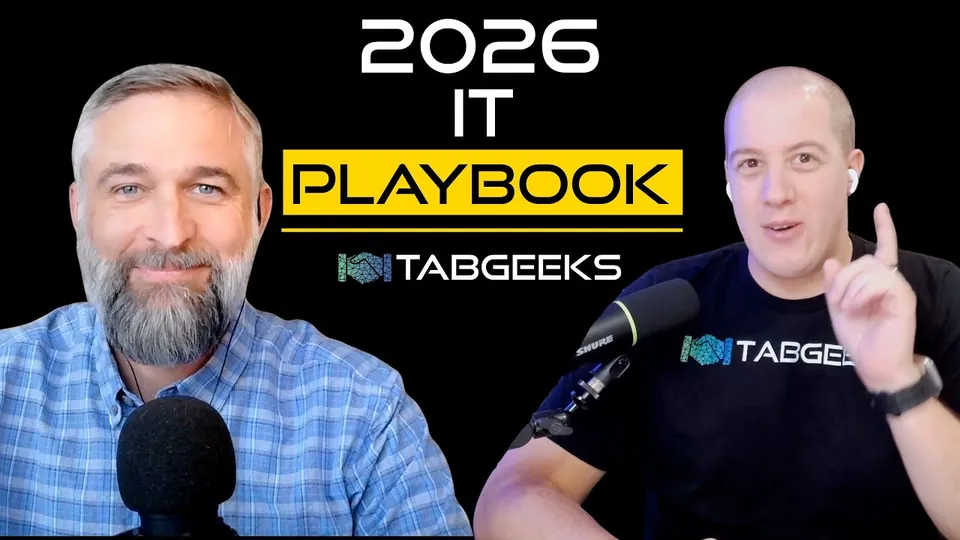
Prefer to watch? The full video is right here. 1:11:30 · Watch on YouTube
Jump to a section in the video
Identity first, and bring shadow AI into the light
Thanks to bug bounties and a decade of security work, the big OS-level holes of the Windows XP days mostly get patched quickly now. Most businesses that stay patched fall prey to people, not exploits.
The corporate perimeter has moved. It used to be the office network and the corporate device. Now it is the user signed into Microsoft 365 or Google Workspace from anywhere. You can issue someone a shiny new Dell, and they will sign in on a personal MacBook that has not been patched in years. Colin sees too many companies load corporate laptops with XDR and DNS filtering like Cisco Umbrella, then let the same Okta identity sign in from any device anywhere in the world with no restrictions.
If you are on a Google Workspace enterprise SKU, context-aware access is the fix. You can control where users sign in, which devices they use, the minimum OS level and whether the device is encrypted. If all your security eggs are in the corporate laptop basket, be restrictive and only allow sign-in from corporate devices.
Shadow IT has been around forever. Shadow AI is unavoidable. Free AI tools are wonderful for users who do not have a corporate AI platform, but what goes into them may be used to train the model. Consumer versions often get features before enterprise ones, so people use their personal accounts. Samsung became the cautionary tale only a couple of months after ChatGPT launched, when its information ended up on an AI platform. It was not malice. People just wanted a helpful tool.
Colin's playbook: be open and accessible rather than the department of no, run pilots and proofs of concept, buy short-term licenses, and write an AI policy. It should say which tools you allow, like Copilot or Gemini in Workspace, advise against others, and explain how to submit a new tool for review. Then use the Workspace investigation tool, depending on your SKU, to see who is using OAuth to sign into other platforms, and start that conversation.
Leadership, training and clean data before agents
Most CEOs know they need to do something with AI but not what. Colin finds the best allies are the COO, chief strategy officer, operations and business intelligence leaders, and the training and learning teams, plus a trusted partner. This is not just deploying an app through single sign-on. It is an end user training project.
For people outside the tech bubble, start with how they work and what their pain points are. Correct the misinformation about what AI can do. And do not just lift and shift today's repetitive task into an AI version. Many tasks are done the way they are because of old technology. Re-engineer the process, and keep a human in the loop to check the output before it goes out.
As we move into agentic AI, bad data gets a thousand times worse. Agents do in minutes what a team would take weeks to do, and if they are all working off a bad foundation, so is the output. Clients ask Colin if AI can clean up their data for them. Not really. You have to do the hard work yourself.
Drive permissions matter enormously now. Colin's 2006 doc probably has stale information, and AI could read it. Put ten years of company handbooks in a shared drive, and Gemini or any other tool might tell an employee they get 15 vacation days instead of 20. Air Canada's chatbot, with no guardrails, made up a refund policy. Hallucination is useful for creativity, but in business you need answers grounded in your data, which is why Colin is a big fan of NotebookLM.
“Clean your data first.”
Simplify the stack: licenses, VPN and Active Directory
Colin sees admins trying to get the most out of their primary collaboration subscription. Many Workspace features have improved enough that separate subscriptions are no longer needed. Workspace plus Zoom plus Slack adds cost and complexity. Some teams may need a specialized tool, but does everyone need that license?
COVID left a mess. Services, apps and devices were bought in a hurry to keep the lights on, and much of it never got cleaned up. Audit it. Corporate card platforms and other services can list subscriptions, and Workspace logs show what people sign into with their Google accounts. I have also emailed vendors like Adobe directly as the admin and asked for a list of every user at my company. You will be surprised how many personal subscriptions turn up.
On March 16, 2020, everyone with a VPN realized VPNs do not scale. Colin calls VPNs part of the same 25-year-old anchor as Active Directory. If you have legacy apps to expose, use Google Cloud's Identity-Aware Proxy or zero trust services from Cloudflare and others. Authenticate always, trust never.
VPNs came from the era of perimeter defense, where once you were inside, everything was open. We learned that was a bad idea, and the general internet is now far more encrypted. In my experience, VPNs today are mostly for resources hosted exclusively in-house, like a storage device or a large format printer. Host your network infrastructure, lock it down, and I love my Ubiquiti gear for that, but stop hosting apps in-house. For devices, move to internet-first management like Jamf for Mac or JumpCloud for Windows, Mac and Linux. MDM does not just mean phones.
ChromeOS, the browser and automating admin work
Admins apply least privilege to accounts but not to devices. If someone only works in the browser, why give them a full Windows or Mac machine that needs XDR, antivirus and another management license? Colin has used ChromeOS as his primary OS since 2014 and says there have been zero reported compromises of a ChromeOS device: no malware, no ransomware.
I still have one of the 60,000 CR-48 prototype Chromebooks, and it still boots. Today's Chromebooks are completely different machines. For most knowledge workers, field workers and kiosks, ChromeOS is fantastic. Cameyo streams individual Windows apps, like Adobe, CAD or Excel, to Chromebooks, and developers get a Linux environment for Visual Studio Code and the Gemini CLI.
If people need Windows or Mac, Colin calls Chrome Enterprise Premium a must-do for 2026. Chrome Enterprise Core is free for Workspace admins and lets you enroll and manage browsers. Premium, a paid add-on, adds advanced DLP, watermarks, blocking screenshots and copy and paste, restricting downloads to managed devices, blocking unapproved AI tools and allowing only the corporate account in a profile.
Colin points to the Okta breach, where an employee signed into an Okta service in a personal browser and the credentials were cached in a personal Google account that was then compromised. I have my own list from recent months: attackers who breached Salesforce data and used it to social engineer Google employees, ransomware at health care groups, and Coinbase, where an overseas support vendor was compromised. It is not about a walled garden anymore. It is a shield around each user. The easiest path is context-aware access first, then Chrome Enterprise Core for visibility, then a plan for Premium.
Google's admin console has improved a lot, but it has no automation. When someone leaves Friday at 6:00, you are doing 50 to 60 clicks to deprovision them properly. Promevo's GPanel automates offboarding, from transferring documents to signing out devices. It also handles signatures, out-of-office messages and document ownership, offers over a thousand granular admin permissions for support tiers, and runs scheduled reports, like last login time.
Bottom line
It is not a case of if but when. Secure identity, write an AI policy, clean your data, cut duplicate tools, retire the VPN, consider ChromeOS and lock down the browser. None of these projects is impossible. Recovering from a breach might be. Being an admin can be lonely, so lean on communities on LinkedIn, Slack and Reddit, and do the hard thing now.
Gear in this story
- Promevo (GPanel and Google Workspace services)promevo.com (opens in a new tab)
Some of these store links are affiliate links. If you buy through them, the channel may get a small commission at no extra cost to you. Affiliate disclosure
Related stories
Shadow IT on steroids: how to govern AI agents at work
Oct 7, 2026 · 7 min read
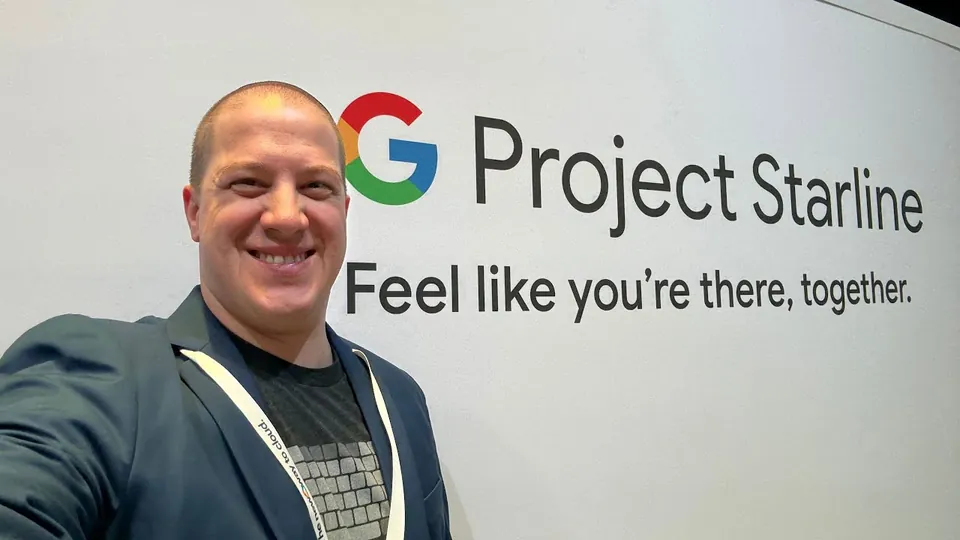
Google Beam, aka Project Starline: 3D video calls without a headset
Apr 25, 2025 · 4 min read
What is Meta Muse? A week with Meta's new personal AI agent
Sep 23, 2026 · 6 min read
Jesse Nowlin
Founder of TABGEEKS, former IT Director and Google Developer Expert. I test networking and pro tech on real job sites, then write up what I find.
Join the community