

Home / Stories / AI at work
Google Workspace Intelligence: Gemini finally gets real work done
Last year Google showed us demos. This year it built the thing. Rowan from Cobry and I walk through the Workspace Intelligence relaunch, feature by feature, and what it means for teams who live in Google.

Jesse Nowlin
Founder, TABGEEKS · · 6 min read
Last year at Google Cloud Next, Google showed us demos of what AI in Workspace might do. As tantalizing as they were, they did not work all that well all the time. Ask Gemini for an image and you would get a description of the image instead. This year, from the three or four sessions I sat in, Google has rethought it, rebuilt it and relaunched it as Workspace Intelligence.
I brought back Rowan from Cobry, my resident Scotsman, to go through the announcements. I have not been able to test everything yet, but the theme is clear: Gemini can now use all the scattered, unstructured data in your Workspace, quickly, to get real work done. That is what businesses have been waiting for.
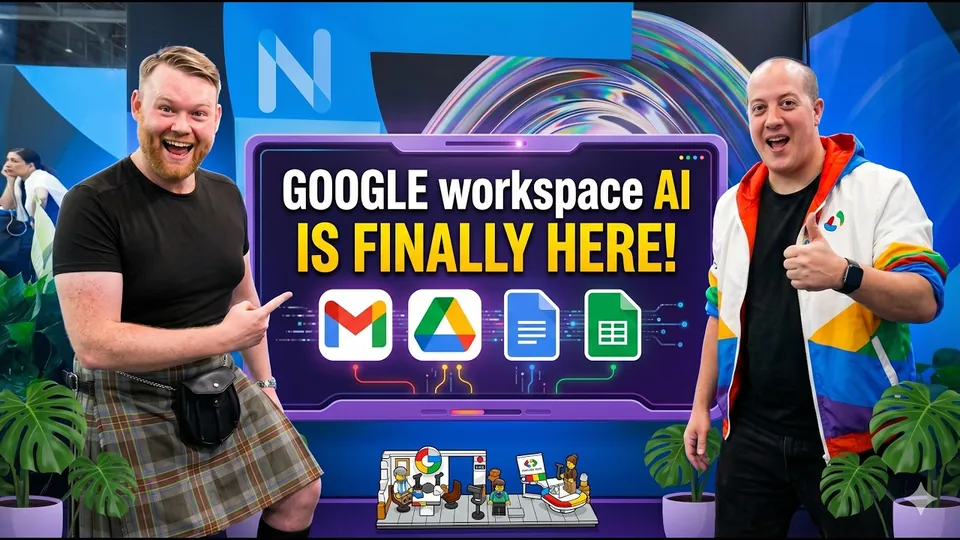
Prefer to watch? The full video is right here. 21:43 · Watch on YouTube
Jump to a section in the video
From experiments to one cohesive experience
Rowan's take is that Google spent the last year in an experimental phase, trying lots of tools like NotebookLM before folding them in. Now it feels like one cohesive experience. In his experience, few businesses have rolled AI out across their teams effectively yet. Partners have told me the same thing: until now, a lot of AI sales were early adopters, or companies buying something with AI in it because the bosses said they had to do AI.
Right before Next, I made a spicy video called Google, we're breaking up. My point was that Notion built the AI assistant for work Google should have. ChatGPT and consumer Gemini have memory. Workspace did not. I manage YouTube, a busy family life with a lot of appointments and paperwork, a role as vice president of a nonprofit, and the rest of work, and I live inside Workspace. Notion solved the memory problem by being a database. Until today, I had not seen Google doing that.
Rowan pointed out that Deep Research had already started hinting at this, with toggles for Gmail, Chat and Drive as sources. Very few of Cobry's customers even know that exists. But Deep Research takes a while, and a lot of the time you need a snappy answer. That is what these new tools are about.
Gemini in Chat and the death of the to-do list
First up is Gemini in Chat, which I am already seeing roll out on Alpha. Alongside your colleagues, you now have an AI colleague you can call on that references your data and can create documents and presentations, not just text. It is about damn time.
You can start your day with a daily briefing of your calendar and prioritized emails. I tested it by telling Gemini I was at a conference and had not looked at my inbox in a week. It came back with the people I needed to get back to, a form I had to submit and things I had to follow up on. That has been tremendous. The presenter on stage said he does not need a to-do list anymore, and for me that is mostly true too.
In Gmail, AI Inbox brings a daily personalized to-do list, natural language search and actionable overviews that sit at the top of your inbox, like an agent for your email. Rowan sees it as the next evolution of Gmail search, because it can pull answers from across multiple emails at once.
Grounding in Drive, plus Docs, Slides and Vids
If you have used NotebookLM, you upload sources and Gemini answers only from them. That matters when you cannot have it hallucinating from the internet. For me, it has been phenomenally valuable for confidential briefing documents on unreleased products. Uploading to NotebookLM was a manual process. Now that experience comes to Drive itself. Rowan described it as a container within Drive where you ground Gemini on specific folders or files and get accurate, helpful answers.
In Docs, Gemini can work through a doc with a thousand comments, synthesize long threads and suggest edits. It does not apply them automatically; you approve or adjust each one. You can also create and refine images, and even infographics from your company's data, without leaving the doc.
Slides is the update Rowan was most excited about, and it is his number one requested feature. NotebookLM could make a presentation, but you could not edit its elements in Slides, and Beautify used to flatten slides into an image. Now Gemini creates a fully formatted presentation with editable elements. The dream is to start in Drive, point at your files, have it build the briefing documents, and go sit on the beach.
From there, you can move slides into Vids and turn them into a video with AI avatars, which can now carry company branding. What we are both waiting for is the ability to train Vids on your own avatar.
Workspace Studio, shared skills and Meet notes
Workspace Studio, the latest name for what started as Flows at I/O two years ago, lets you build skills and share them company-wide, like an HR or branding gem that kicks off automated work. Rowan likes that experts can build something once and share it, so there is no double work. He also thinks almost no one is using Workspace Studio yet. Google, please get better at naming. I use several gems for each step of my workflow, and as I understand the demo, this could combine them, though I am not 100% certain.
This was one of my reasons for breaking up with Google: Notion's meeting notes work anywhere, not just in Meet. Now the Meet app on Android and iOS can take notes in person, dropping a summary and task list into your history. My concern is that Notion uses my system audio and microphone, so it captures a Zoom locally without speakerphone. Google's version sounds like your phone on speakerphone. I want to ask Workspace engineering about that.
Meet notes are also getting presentation visuals, capturing details from active screen shares and keeping context even when recording is disabled, with AI filtering for key visuals only. All of this appears to be in preview. Meet also shows up as an app on Android Auto and CarPlay, and Help me schedule is getting supercharged in Calendar and Chat, though scheduling with people outside your org has not worked well so far.
Sheets becomes an app builder
This is the biggest announcement of the bunch, and it is not every day Google threatens its own products. Canvas from Gemini comes into Sheets, so you can turn your data into actual apps, dashboards and visualizations. Google is also building connectors for third-party data, calling out Mailchimp and HubSpot, without needing Looker or Data Studio. Rowan thinks the specialized tools will still have a place, but for everyone else this is huge.
“Stop trying to make Sheets a good task management tool, Google. It doesn't work.”
The last demo was a Gantt chart. Buy Notion, buy Asana, buy Monday, or just build one. Google Tasks still exists. Supercharge it.
Bottom line
This is the year AI in Workspace stops being a chatbot bolted on the side. Daily briefings, grounded answers in Drive, editable Slides, in-person meeting notes and apps in Sheets add up to the assistant I have wanted. My spicy breakup video might be moot after all. I still want a real task manager and better meeting capture, and I will test all of it as it rolls out.
Related stories

Shadow IT on steroids: how to govern AI agents at work
Oct 7, 2026 · 7 min read
Your IT stack is bloated: how to simplify and secure it for 2026, with Promevo's Colin McCarthy
Dec 2, 2025 · 7 min read
What is Meta Muse? A week with Meta's new personal AI agent
Sep 23, 2026 · 6 min read
Jesse Nowlin
Founder of TABGEEKS, former IT Director and Google Developer Expert. I test networking and pro tech on real job sites, then write up what I find.
Join the community