

Home / Stories / AI at work
What is Meta Muse? A week with Meta's new personal AI agent
Muse is Meta's new personal AI agent, and it goes further than a chatbot. After a week of testing, here is what it does, how it handles permissions and privacy, and who it is for.

Jesse Nowlin
Founder, TABGEEKS · · 6 min read
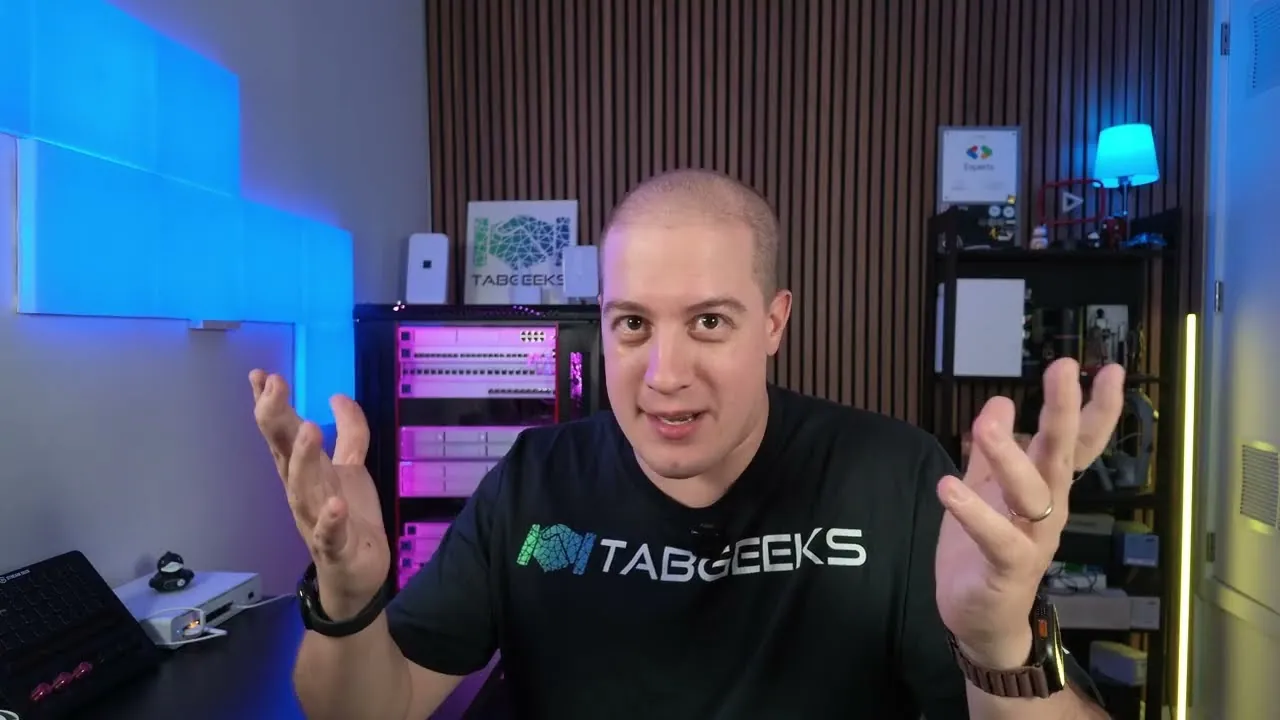
What the hell is Muse? If you have seen the billboards in LA, the subway and airport ads, or the fuzzy mascot showing up across Meta's apps, you are probably asking the same thing. Put simply, Muse is Meta's personal AI agent. It is the kind of assistant we have been hoping for, closer to Jarvis than to a chat window. I named mine Q, after the Bond character.
I have been testing it for its first week. It cannot do everything yet and it raises real questions, but it is more powerful and more polished than anything else I have seen on the market. Here is how it differs from a chatbot, what I actually used it for, and how Meta says it keeps your data safe.
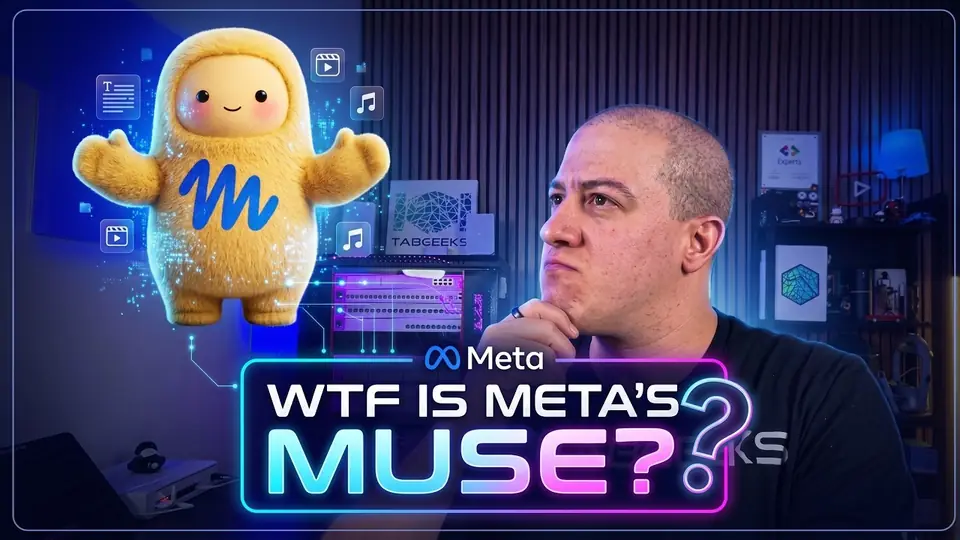
Prefer to watch? The full video is right here. 14:21 · Watch on YouTube
Jump to a section in the video
Chatbots forget. Agents remember.
You know ChatGPT, Gemini and Claude. With a chatbot, you have a back and forth conversation, and it answers based on what it knows from that one conversation. You can give it context, but open a new chat and it has amnesia. Muse retains that memory and context. That is difference number one.
Difference number two is that you give it access to more of your life, so it has even more context and can take actions on your behalf. When you sign up, it is a blank slate. Then you ask it to clean up your inbox because you cannot stand looking at 10,000 unread emails, and it asks for Gmail access. Once it has that, it is reading and learning about you, and it can be proactive.
My favorite example: the school sends an email about a field trip tomorrow, and Muse pings you to remind you and lists the items the school said to send. As a busy parent, that is legendary. A chatbot answers based on what you talked about. An agent uses everything it knows about you to get things done.
Is it perfect? No. Will it get things right every time? Also no. But it does not know you perfectly from day one either, and it keeps improving as you use it. And yes, you are giving a lot of information to Meta. I will get to that.
A computer in the cloud, not a box on your desk
If you have already tried self-hosted agents like OpenClaw or Hermes, Muse is different. Those run on a dedicated computer on your desk. If that computer turns off, your agent is asleep and cannot hear you. Muse has its own computer in the cloud. It is always on, so you can close your laptop or put your phone away and it keeps working until you come back. That is the jump from having a conversation to full-on delegation.
What I used it for, and the connectors behind it
Inbox cleanup is the classic. It also reaches into Meta's own apps: Instagram message threads, and I believe the ability to manage Facebook ads is launching too. You can even message Muse through WhatsApp, which is handy on a plane where you get free WhatsApp and SMS but no full internet.
In my first week, I had it plan an upcoming family trip: day trips, where to eat and things to do, taking everyone's preferences and needs into account. I had it plan meals at home and on the trip, including shopping lists. And I had it make phone calls. I needed a dentist that takes our new dental insurance, so Muse researched dentists in the area, called around to confirm they accept it, and I booked an appointment without ever picking up the phone.
Other people are using it the same way for the calls everybody hates: customer service, canceling phone lines they forgot about, asking for discounts on internet or cable plans. Time-consuming work you can now hand off to a bot.
Meta is building connectors from Muse into other services: Shopify, Instacart, DoorDash, OpenTable for reservations, Ticketmaster for tickets, Duffel for flights, Spotify, Philips Hue for lighting, the whole Google Workspace suite and Notion. Meta just announced the Instacart integration, so soon it will be able to do the shopping itself. Muse takes what it knows and the task at hand, asks those services for what it needs, and acts on your behalf.
Can it go rogue?
Not here. It has a lot of safety gates and, honestly, asks for permission a little too often. It will not send an email unless you want it to. It will not spend money unless you authorize that individual transaction. You have to connect Link, which is Stripe, before it can use a card at all, and even then you approve every purchase.
If it learns something wrong about you, you can open the notes it keeps, review them, and tell it to correct or forget things. Voice transcription kept misspelling a family member's name, so I told Muse the correct spelling once. When I checked, it had updated that name across every list and project we had worked on together.
The trust problem, and how Muse is built
Meta does not have the best track record. There was Cambridge Analytica, and plenty of people believe their phones are listening to them to feed ads. Meta has apologized for past stunts, and I think it has matured. I use WhatsApp for most of my communication, and its end-to-end encryption means even Meta cannot read the messages. Meta took the same approach here, in six layers.
Muse's security layers
| Layer | What it does |
|---|---|
| Dedicated cloud computer | Muse runs in its own box in a data center that other agents, and Meta, cannot peek into. Built with the people behind the Signal protocol |
| Sentinel agent | A guard agent Muse must ask before acting on the internet, so it shares no more than required |
| Per-action permissions | Critical actions like email, purchases and phone calls ask every time, with an audit trail of every step |
| Only what you connect | It sees a service only after you connect it through the official connector |
| Disconnect and delete | Remove any connector, and tell it to forget anything, at any time |
| No ad sharing | Meta says your information is not shared with its ad systems, and you can turn off training on your data |
As Meta described it at launch. The fully hardened version is still rolling out.
Two caveats. Meta is still rolling out the full high security version of that dedicated computer, and there is no enterprise tier yet where admins and IT can manage data separately.
The connector rule matters more than it sounds. If your meeting notes live in an AI note-taker like Granola, Muse cannot see them until you connect it. Once you do, it can notice a meeting ended, summarize it and offer to handle the action items. As for training, a lot of AI services, especially free ones, use your data to improve the service. Here you can turn that off. Thank you, Meta.
“It is the most well-designed, cleanest user interface of an AI agent that I have ever seen and is just a joy and a delight to use.”
Who it's for
Muse is built as a personal assistant, but I see it helping everyone from small businesses to anybody at home. I have even invited my mother. It is very early: week one heading into week two, with Meta Connect about to start. Rumor is the Meta glasses will be able to talk to your Muse, and new use cases, which Meta calls Muse cases, and new connectors seem to show up every day. If you are ready to delegate rather than chat, this is the most polished way I have found to start.
Related stories
Shadow IT on steroids: how to govern AI agents at work
Oct 7, 2026 · 7 min read
Your IT stack is bloated: how to simplify and secure it for 2026, with Promevo's Colin McCarthy
Dec 2, 2025 · 7 min read

What is Gemini Enterprise? The tiers, connectors and agents, explained
Aug 11, 2026 · 6 min read
Jesse Nowlin
Founder of TABGEEKS, former IT Director and Google Developer Expert. I test networking and pro tech on real job sites, then write up what I find.
Join the community