

Home / Stories / UniFi + Networking
UniFi Pro HD 24 PoE unboxing and setup: goodbye gigabit
The Pro HD 24 PoE is my new favorite rack-mounted switch. I unboxed it, swapped it into my rack, connected my UDM Pro Max at 10 gig and tweaked the Etherlighting.

Jesse Nowlin
Founder, TABGEEKS · · 2 min read
Welcome to part of the redesigned studio. It is still a work in progress, with gaps in the wall where a TV is about to go up. What I have today is the brand new Pro HD 24 PoE switch from Ubiquiti, also known as my new favorite rack-mounted switch. It has everything. Goodbye, gigabit Ethernet.
Every copper port is 2.5 GbE except the last two, which are full 10 GbE. Every port gets Etherlighting, plus PoE++ at up to 60 W per port. Here is what is in the box, how it went into my rack and what setup looks like.
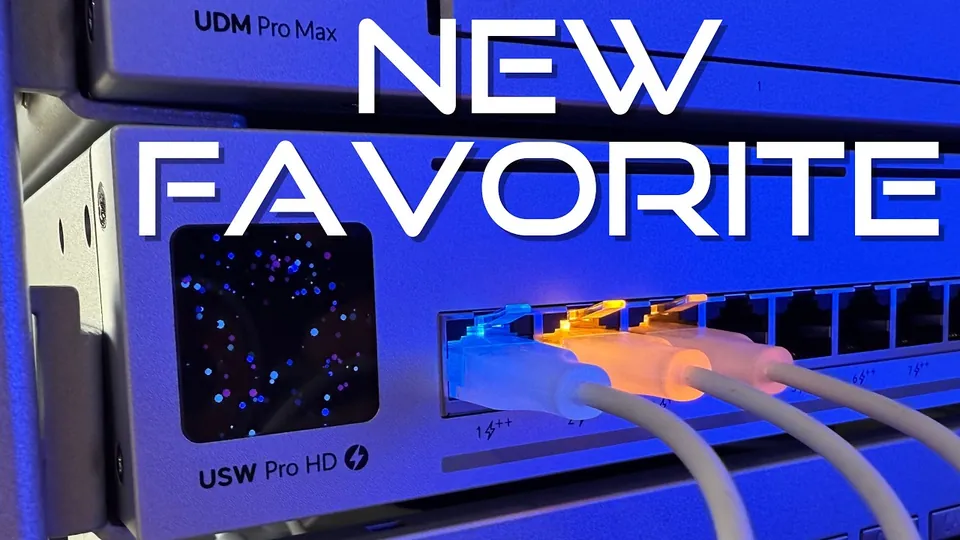
Prefer to watch? The full video is right here. 5:07 · Watch on YouTube
Jump to a section in the video
Ports, PoE and the power math
UniFi Pro HD 24 PoE at a glance
| Feature | As stated |
|---|---|
| Copper ports | 2.5 GbE, with the last two at 10 GbE |
| SFP+ | Four 10G SFP+ ports |
| PoE | PoE++, up to 60 W per port |
| Total PoE budget | 600 W |
| Etherlighting | On all Ethernet ports |
| Price | $999, available now |
As stated in the video at launch. Prices change.
Note the maximum consumption when you are project planning. For the math people out there, 60 W times 22 ports is 1,320 W, which this switch cannot do. It maxes out at 600 W, so you cannot run every port at full PoE++. But for devices that need 10 or 20 W, there is plenty to go around.
In the box you get the standard hardware kit: a braided power cable that locks into the back of the unit, rack nuts that Ubiquiti organizes nice and neatly, and rack wings. I did not need the rack nuts with my Toolless Mini Rack. You just slide it in, screw it in and you are done.
Into the rack
I was out of room in the rack, so the Pro Max switch came out. That is fine, since most of its ports were just gigabit anyway. I used the SFP+ ports for my UDM Pro Max and my UNVR Pro, running a new DAC cable from the UDM Pro Max down into the Pro HD to connect the network at 10 gig, and plugged my NAS in directly below. Once it was booted up and wired correctly, I clicked to adopt it. See if you can spot the goof I made earlier in the video.
Setup and Etherlighting
This will look familiar if you have used UniFi before. The port manager shows everything plugged in. I was using 20 W out of 600 W so far, before plugging in the rest of the network. You get statistics, and in settings you can change Etherlighting brightness, turn on breathing, which pulses the lights on and off, and change which colors mean which speed. 10 gig defaults to white. I changed it to purple, then green for high speed, and made another speed purple. Why not?
Something I had not seen before: display rotation settings right in the switch settings, likely part of UniFi Network 9.0, which rolled out the day I filmed. Hit apply changes and you are set.
Bottom line
The Pro HD 24 PoE was $999 at launch, with 2.5 GbE everywhere, two 10 GbE copper ports, four SFP+ and a 600 W PoE++ budget. If you are ready to leave gigabit behind in your rack, this is the switch I would get. A non-PoE version, the Pro HD 24, was announced for the following month.
Gear in this story
- Dream Machine Pro MaxSpecs and compare for Dream Machine Pro MaxUbiquiti Store (opens in a new tab)
- Switch Pro HD 24 PoESpecs and compare for Switch Pro HD 24 PoEUbiquiti Store (opens in a new tab)
- Switch Pro HD 24Specs and compare for Switch Pro HD 24Ubiquiti Store (opens in a new tab)
- UniFi Network Video Recorder ProSpecs and compare for UniFi Network Video Recorder ProUbiquiti Store (opens in a new tab)
- Toolless Mini RackSpecs and compare for Toolless Mini RackUbiquiti Store (opens in a new tab)
Ubiquiti Store links are affiliate links. If you buy through them, the channel may get a small commission at no extra cost to you. Affiliate disclosure
Related stories

UniFi AI Port: adding face and plate recognition to older cameras
Dec 12, 2024 · 4 min read

UniFi Device Bridge IoT review: a $49 fix for wired-only devices
Nov 20, 2025 · 3 min read
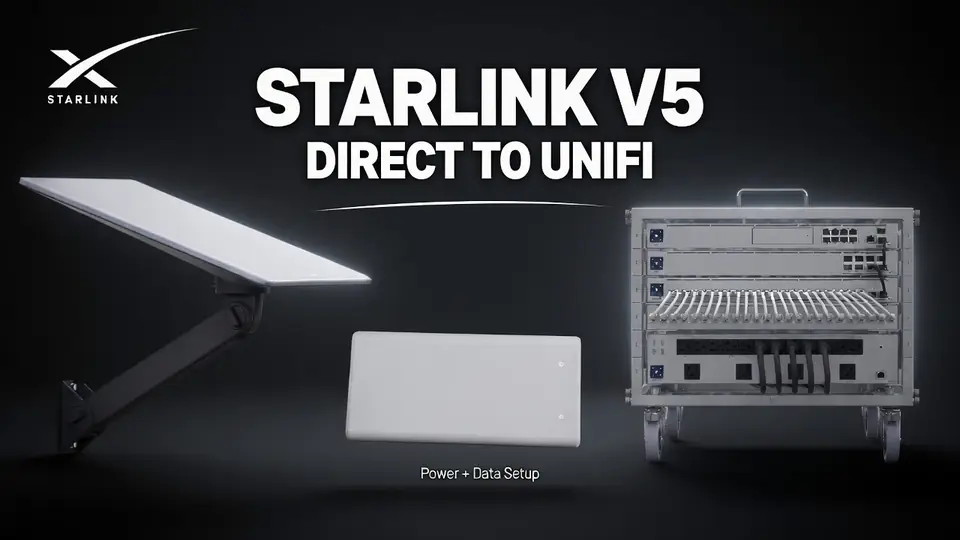
How to connect Starlink V5 directly to a UniFi network, no router needed
Aug 3, 2026 · 4 min read
Jesse Nowlin
Founder of TABGEEKS, former IT Director and Google Developer Expert. I test networking and pro tech on real job sites, then write up what I find.
Join the community